
UK buying guide · Work order software
Best work order management software UK (2026)
Work order software books each piece of work to a named engineer, tracks it from open to done, and links the quote and invoice to the same record. Here is how the UK options compare, from small trade teams to planned maintenance.
Updated November 2026 · Competitor prices checked on vendor sites 11 November 2026, confirm before you buy
- Work orders vs job sheets explained
- 6 UK options side by side
- Monthly cost for a 5-person team
- Honest limits, including ours
The shortlist
UK work order software, compared
This is a JobSheet comparison for UK trade businesses, so JobSheet is marked as our product. Pricing and features change, so confirm on the vendor's site before you buy.
-
JobSheet
Our product1 to 15 person UK trades that want job sheets, a shared diary and invoicing without an enterprise setup.
- UK price
- £15/month + £5 per extra user
- Pricing model
- Workspace
Shared work schedule, mobile job sheets, quote to job to invoice on one record, Companies House import.
Limited field offline (cached view and queued notes). No customer SMS, dispatch board or certificates. iPhone App Store app in testing, due soon; installs to the home screen today.
See JobSheet pricing -
ServiceM8
High job volume teams happy with a job-credit model.
- UK price
- Free to Premium Plus; Growing about £59/month for 150 jobs
- Pricing model
- Job credits
Strong native mobile apps, forms, optional phone add-on. Unlimited users on paid plans.
Caps on new jobs per month can bite in a busy month. AU/NZ-led product with a UK site.
JobSheet vs ServiceM8 -
Tradify
Teams that want structured quoting and office admin.
- UK price
- £34 to £44 per user/month
- Pricing model
- Per user
Scheduling plus detailed quote admin.
Every login pays the full tier price.
JobSheet vs Tradify -
Commusoft
Heating and plumbing firms with service contracts.
- UK price
- Quoted by the vendor
- Pricing model
- Quoted
Service contracts, reminders and deeper CRM.
More product than a 3-van firm usually needs in year one.
JobSheet vs Commusoft -
Joblogic
Mid-market HVAC, maintenance and facilities teams.
- UK price
- From £49 per user/month (Standard, billed annually); higher tiers quoted
- Pricing model
- Per user
Planned maintenance and work-order depth.
Facilities-management complexity that small trade teams will not use.
JobSheet vs Joblogic -
BigChange
Fleet-heavy operations with large engineer teams.
- UK price
- Quoted by the vendor
- Pricing model
- Quoted
Telematics, hardware, central dispatch for large teams.
No published prices, and cost and setup sit well above lightweight FSM.
JobSheet vs BigChange
What it costs
What a 5-person team pays each month
Work order tools are priced as a flat workspace, per user or by job credits. See per-user vs job-credit pricing.
What to look for
What work order software should do
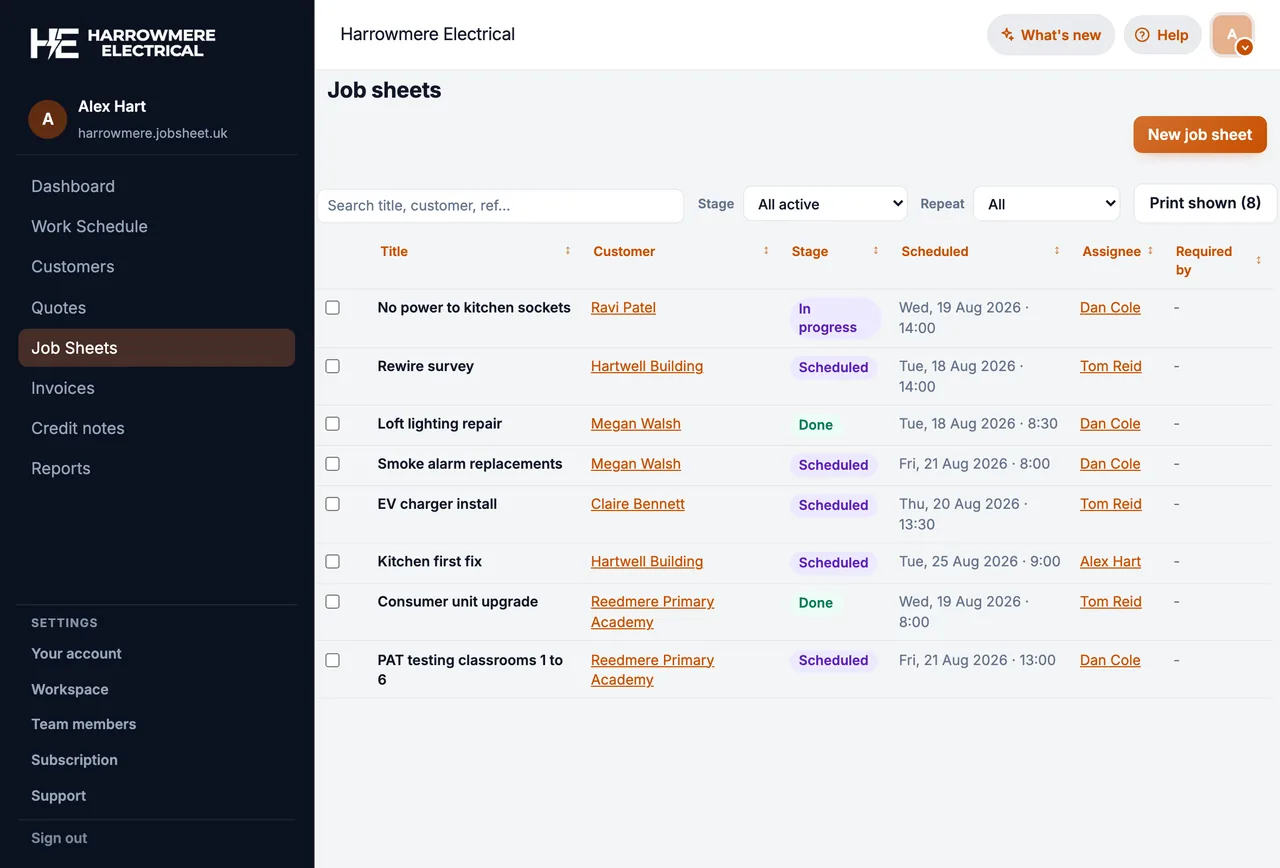
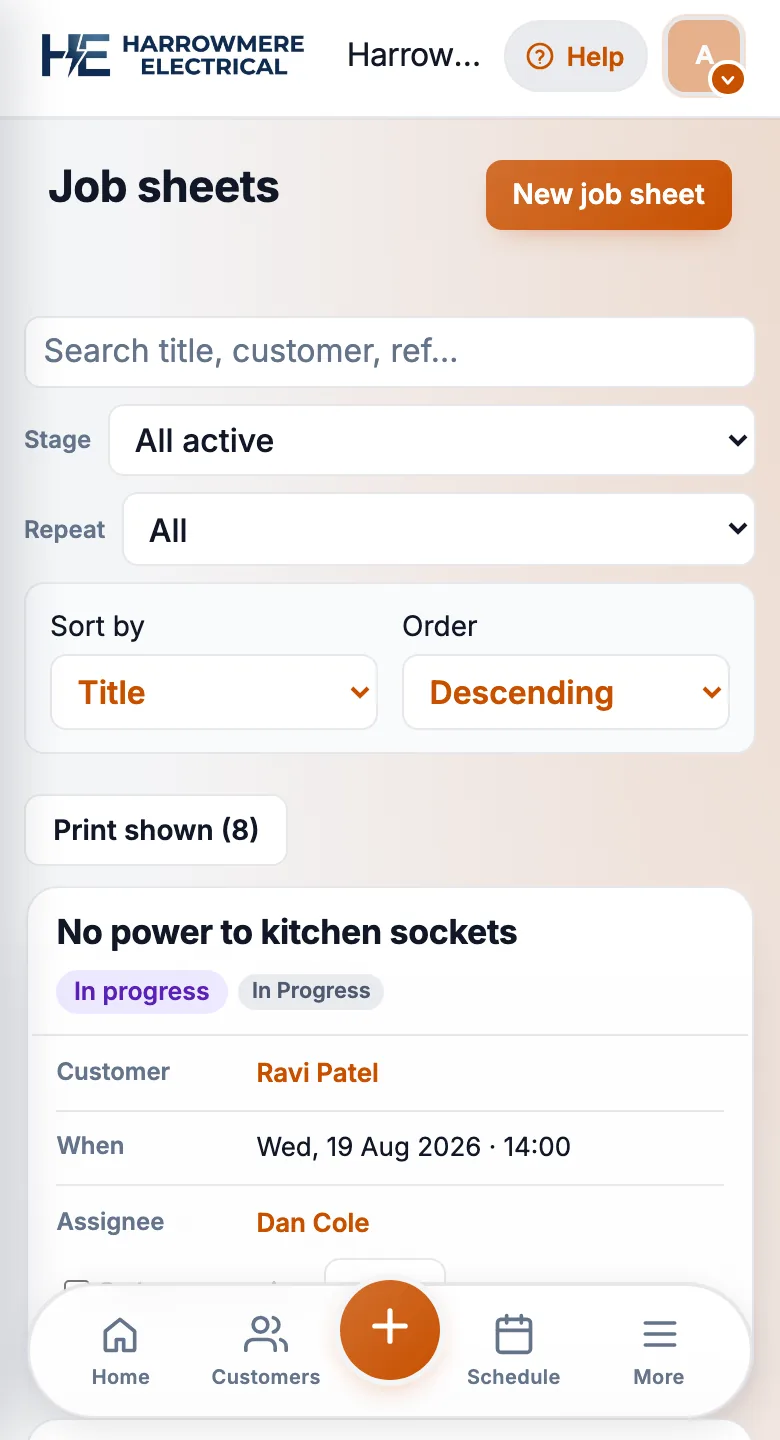
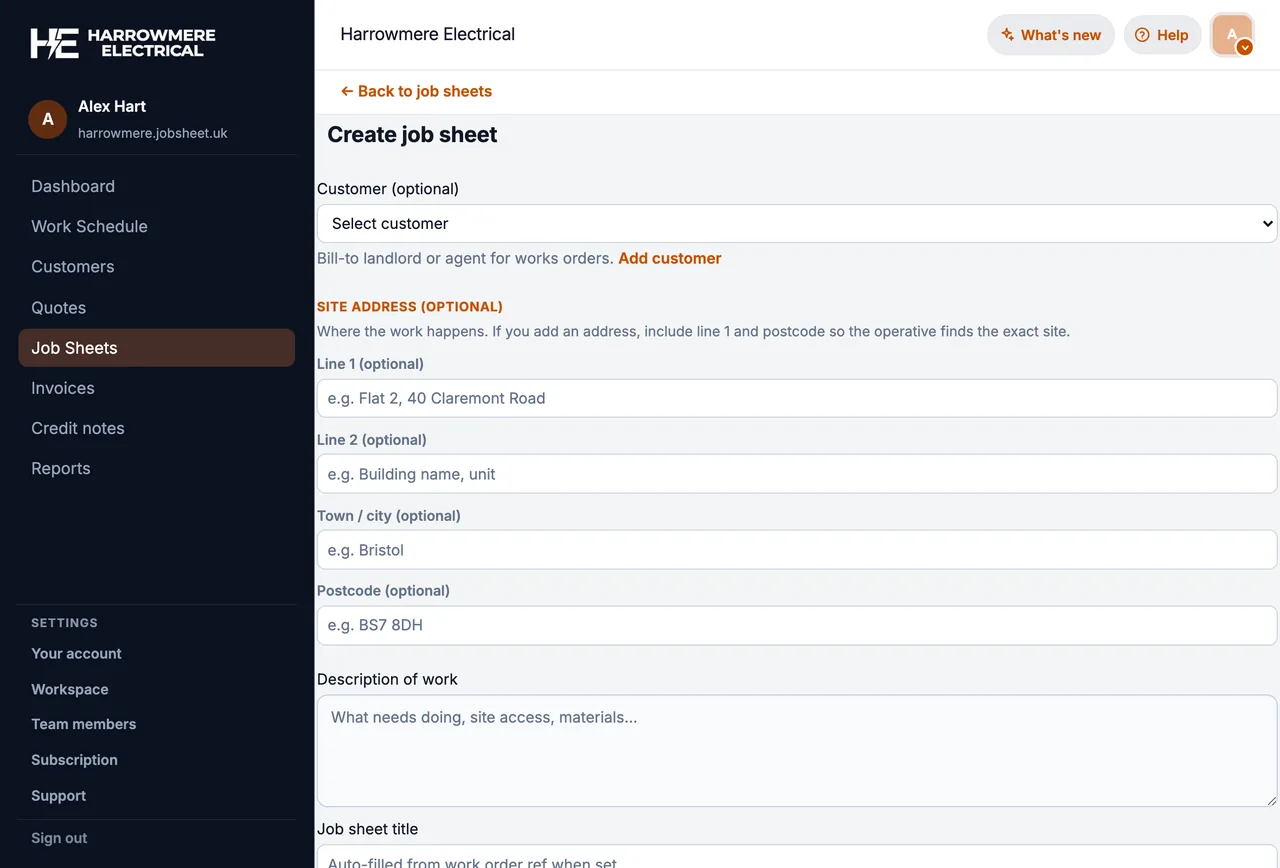
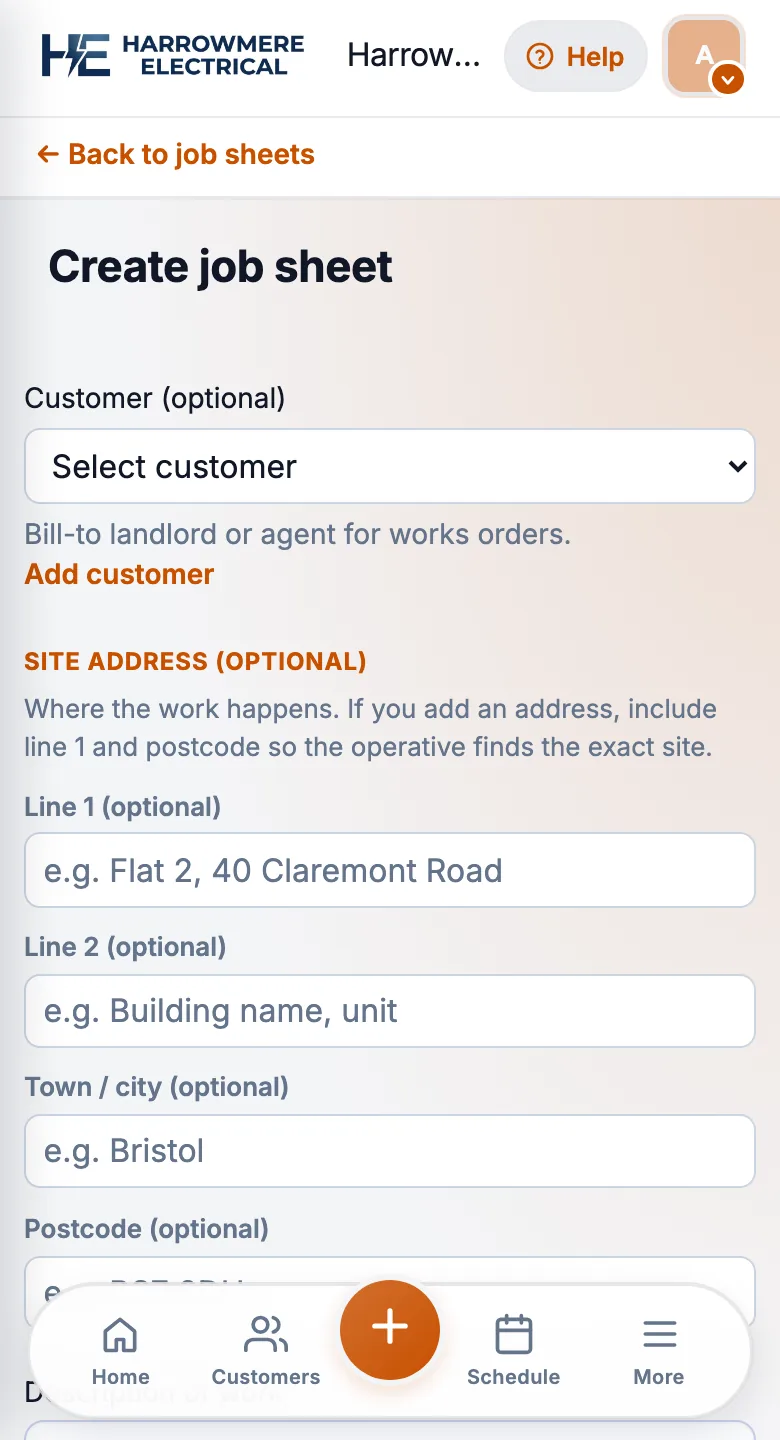
Four basics to test on live work before you pay for dispatch or asset modules. Shown here in JobSheet.
01 Create and assign
Every work order has a named engineer
Customer, site and the work agreed go on one record, assigned to the person who is going.
02 Schedule
Work orders sit on a shared diary
The office and the vans see the same week, so double bookings and missed visits show up early.


03 Track status
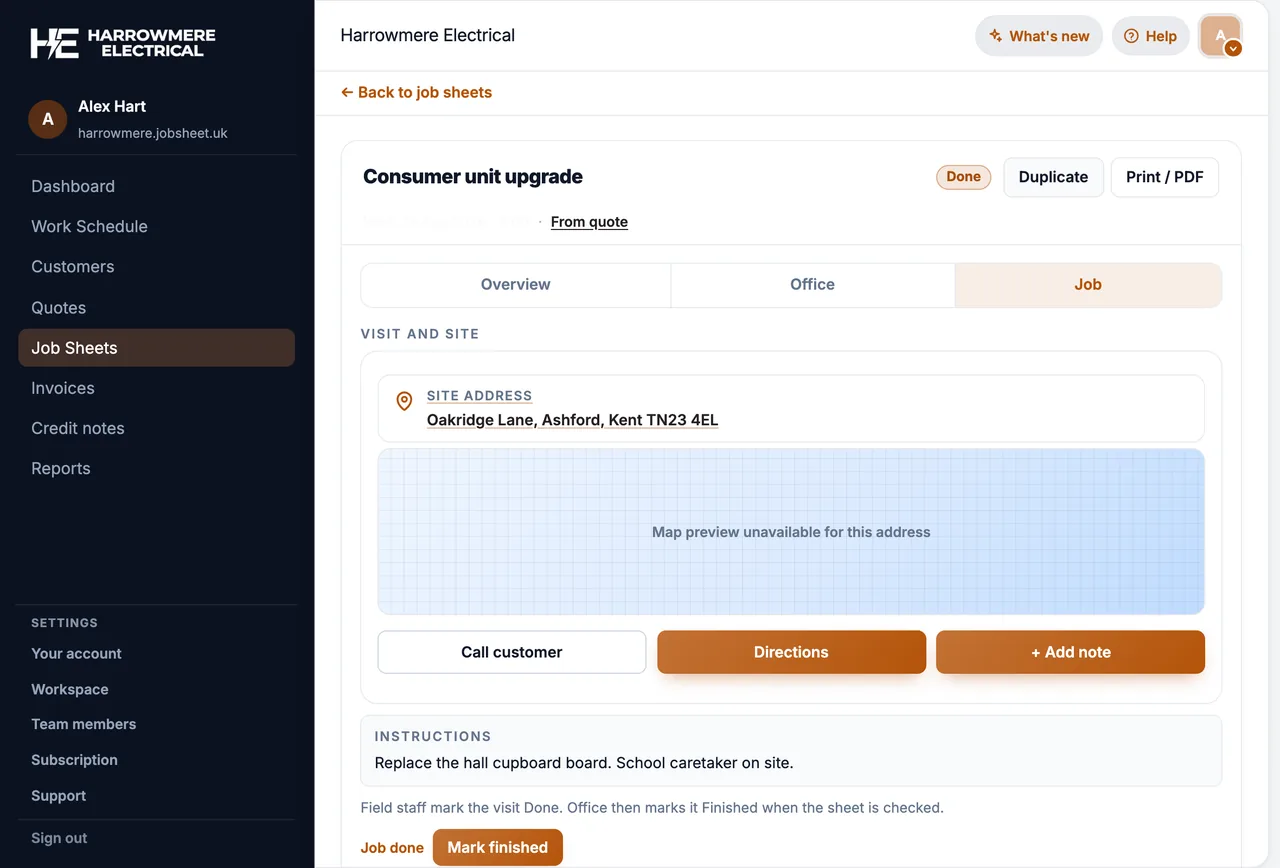
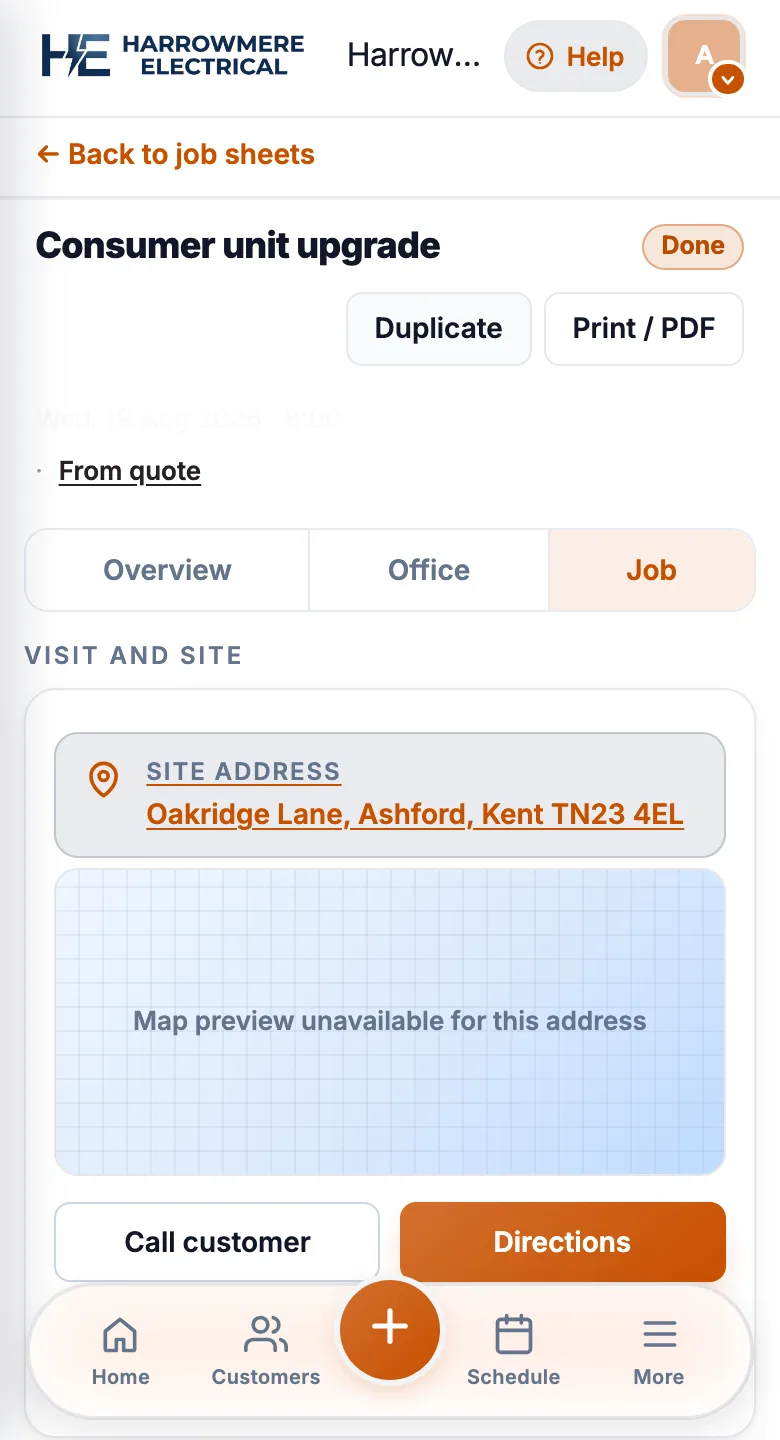
Status updates from site
Engineers add notes and photos and mark the work done from their phone, so the office knows where each job stands.
04 Invoice
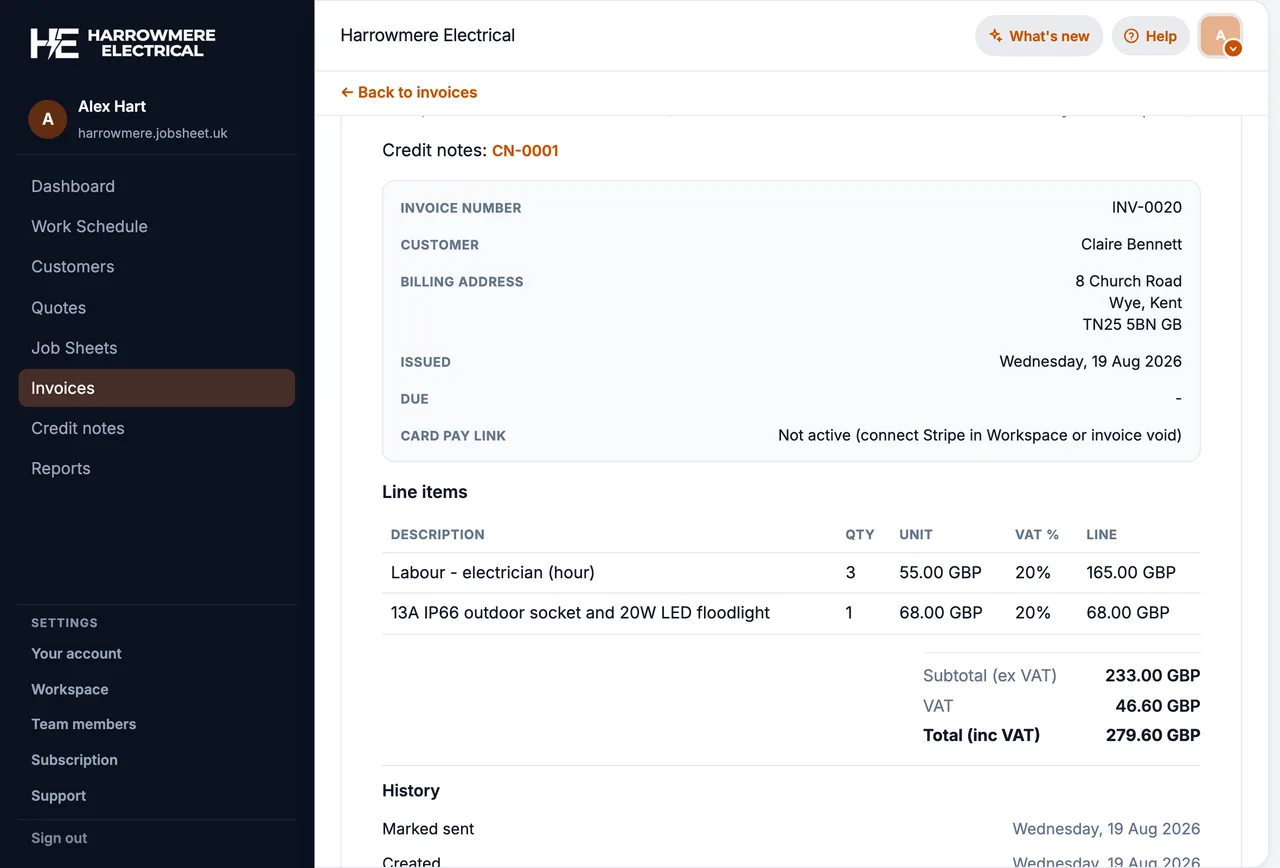
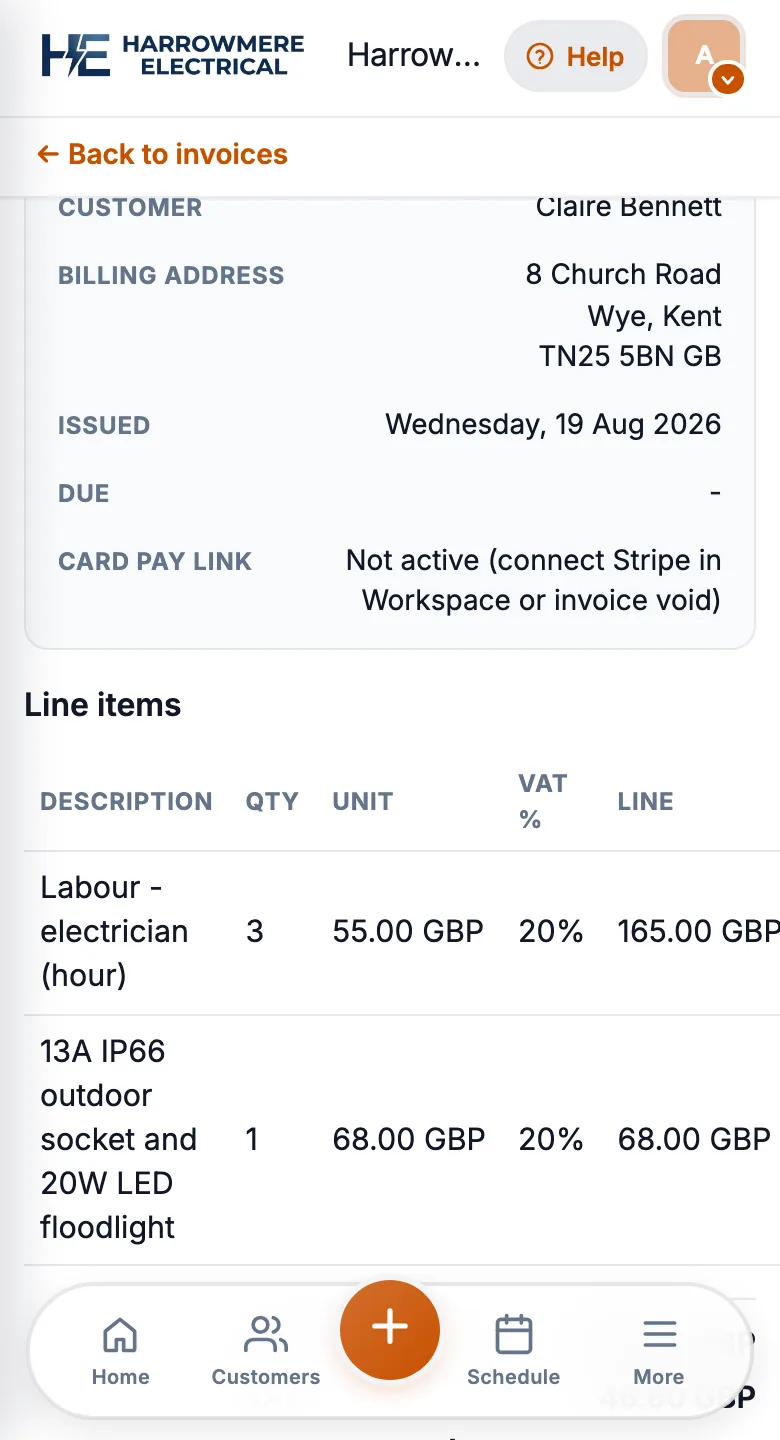
Quotes and invoices link to the work order
Accepted work flows from quote to job to invoice without retyping, and the history stays on the customer.
Choose by how you work
Match software to how work arrives
-
Reactive call-outs
Breakdowns, leaks, repairs, same-day work
You need a fast diary, mobile job sheets and simple invoicing. Dispatch boards and asset registers are more than you need.
-
Planned maintenance and service plans
Contracts, PPM, facilities work
Contract and planned maintenance scheduling matter most. Tools built for maintenance may be a better fit than lighter job sheet software.
-
Quote-first project work
Installs and refurbishments
Look for quote stages and job costing that carry into the work order.
-
Replacing spreadsheets and paper
Small teams going digital
Start with open work orders and two weeks of real jobs. Keep invoicing in the same system so nothing is typed twice.
Competitor pricing and features change; confirm on vendor sites.
Work orders, job sheets, and service calls
Search results mix US enterprise language with UK trade habits. In practice:
| Term | What UK trades usually mean |
|---|---|
| Work order | A numbered task assigned to someone, with status and site details |
| Job sheet | The field record for that visit: scope, notes, photos, completion |
| Service call | A reactive visit (breakdown, emergency, call-out) booked into the diary |
Good software treats these as one record that moves from scheduled → on site → done → invoiced. If your shortlist splits “work orders” and “invoicing” into separate modules with manual copy-paste, admin time returns quickly.
JobSheet uses job sheet in the product; the workflow below applies whether your team says work order or job sheet.
What work order software should do
Create and assign
The office (or the engineer on a small team) creates a record with customer, site address, assignee, and optional schedule times. Every visit should have a clear owner so nothing sits in an unassigned queue.
Track status on site
Engineers update open → in progress → done from a phone. Notes and photos attach to the same record so the office does not chase texts at 6pm.
Link quotes and invoices
When work started from an estimate, the accepted quote should carry line items into the field job and onward to invoice. Re-keying materials and labour between systems is where work order tools fail in real use.
History on the customer
Repeat clients (landlords, agents, maintenance contracts) need past visits visible on the customer record. You should not hunt through email threads for last year’s boiler service.
How we compare tools
We focus on:
- Clarity of the work record (one job, one thread of notes and billing)
- Mobile completion from site
- Pricing model for your headcount and job volume
- UK basics (GBP, sensible dates, Companies House where relevant)
- Honest limits on offline, SMS, and enterprise dispatch features
For broader field service scheduling comparisons, see best field service management software UK.
UK platforms for work order workflows
| Platform | Work order style | Best when | Our comparison |
|---|---|---|---|
| JobSheet | Job sheets with assignee, schedule, status | 1–15 person teams; quote-to-invoice on one job | Pricing |
| ServiceM8 | Jobs with job-credit pricing | Many new jobs per month; strong mobile app | vs ServiceM8 |
| Powered Now | Jobs plus forms on higher tiers | UK trades needing certificates/MTD tiers | vs Powered Now |
| Tradify | Jobs tied to quotes and timesheets | Per-seat teams with office quote admin | vs Tradify |
| Fergus | Quote-led jobs | Pipeline from estimate to field visit | vs Fergus |
| Commusoft | Jobs within service and sales workflows | Heating/plumbing with contract work | vs Commusoft |
| Joblogic | Work orders and PPM scheduling | Mid-market maintenance and facilities | vs Joblogic |
| BigChange | Jobs within fleet-led operations | Large teams with telematics and dispatch | vs BigChange |
Match software to how work arrives
Reactive call-outs
Breakdowns and same-day visits need fast job creation, diary visibility, and mobile completion. Compare JobSheet vs ServiceM8 and vs Powered Now.
Planned maintenance and service plans
Annual boiler services, PAT rounds, and contract visits need repeat scheduling and clear job history. Commusoft and Joblogic often appear here; lighter tools still work if job volume is modest and you schedule manually.
Quote-first project work
Installations that start with a written quote need confirm quote → create job in one step. See confirm a quote and create a job sheet in JobSheet, and compare Fergus or Payaca for portal-heavy workflows.
Replacing spreadsheets and paper
If work orders live in WhatsApp threads and A4 pads, prioritise simple creation, assignee discipline, and a mobile view engineers will open. Our job sheets vs spreadsheets guide covers the migration.
Work order buying checklist
- Create a real job during the trial (real customer, real address, real assignee)
- Complete it on a phone with notes or a photo
- Confirm status changes show on the office diary without refresh tricks
- If you quote first, test quote → job → invoice on one line-item example
- Count users and new jobs per month against the vendor pricing model
- Read a comparison page for each shortlisted product
Why JobSheet is on this list
JobSheet is our product. Each job sheet is the work order record: required assignee, optional schedule, mobile updates from site, and quotes and invoices linked on the same job. Workspace pricing is £15 + £5/user with published GBP rates.
We are honest about gaps: no priority dispatch board, no asset register, and limited offline (cached schedule view and queued notes, not full offline quoting or photo uploads). Start a free trial on your own jobs when you want to test the workflow.
Next steps
Questions
Common questions
What is work order management software?
Software that creates and assigns work orders, tracks their status from site, and links quotes and invoices to the same record, with the history kept on the customer.
What is the difference between a work order and a job sheet?
In most UK trades they are the same thing: the record of a booked piece of work. Larger maintenance firms may use work order for a structured instruction from a client. See what is a job sheet.
How much does work order software cost in the UK?
For five people, published mid-tier prices run from about £35/month (JobSheet's flat workspace) to £145 to £185 per user, and £245 on Joblogic Standard (billed annually). Commusoft and BigChange are quoted. Confirm on each vendor's site.
Does JobSheet have a dispatch board or asset register?
No. JobSheet uses a shared diary where each job sheet has a named engineer. There is no priority dispatch board, asset register or van tracking. If you need those, compare Joblogic or BigChange.
Can work orders repeat for regular service visits?
In JobSheet you can create recurring job sheets for regular visits. Full contract management with planned maintenance schedules is a better fit for maintenance platforms.
Which work order software suits a small trade team?
Teams of 1 to 15 usually want a shared diary, mobile updates and quote to invoice on one record, at a predictable monthly price. Trial two tools on live work orders for two weeks before you commit.