UK trade explainer · Job sheets
What is a job sheet?
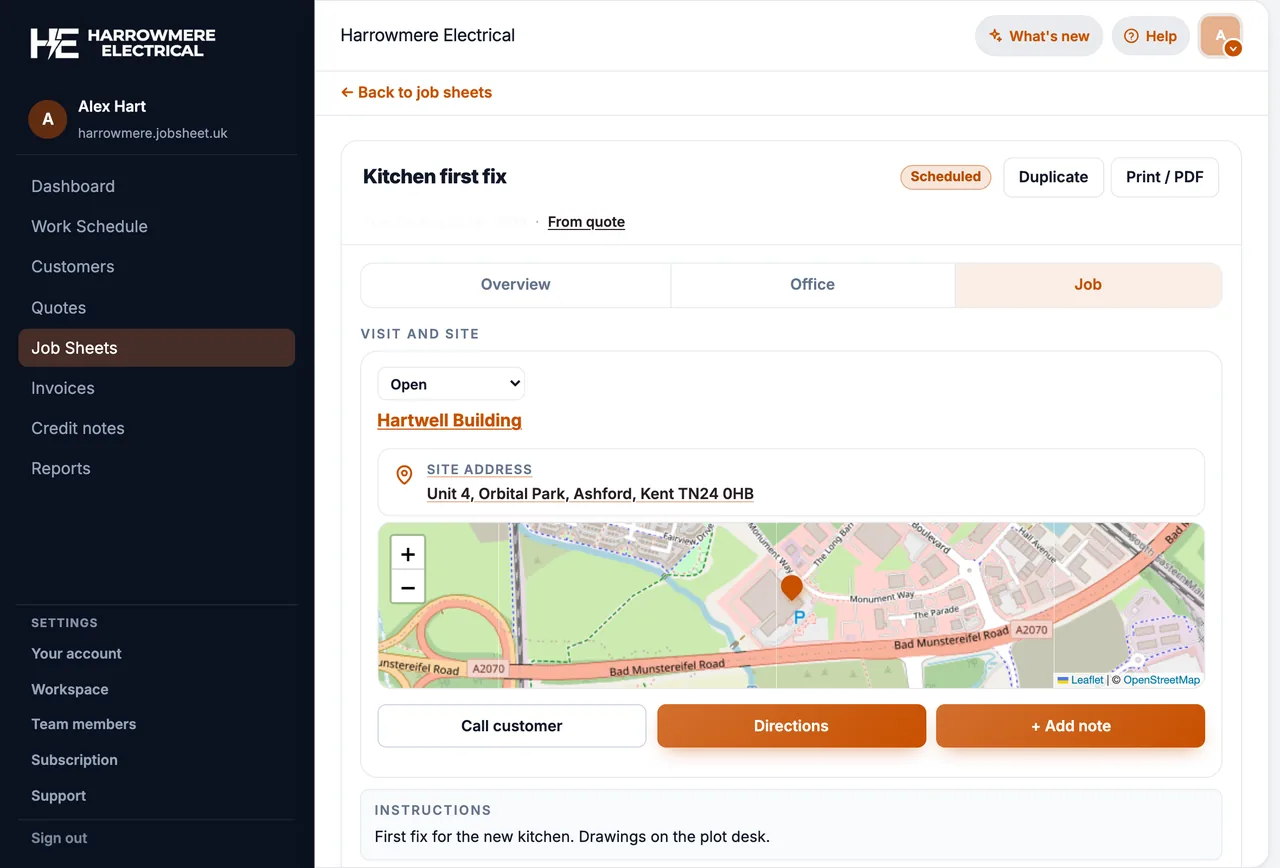
A job sheet is the written record of one visit or one job. It says what was agreed, who went, what was done on site, and holds the photos and notes. Here is what goes on one, and how it fits between the quote and the invoice.
Updated November 2026
- What goes on a job sheet
- Paper vs digital job sheets
- Job sheet vs quote, invoice and works order
What to look for
A job sheet from booking to invoice
How one job sheet moves through a typical UK trade job. Shown here in JobSheet, but the stages are the same on paper.
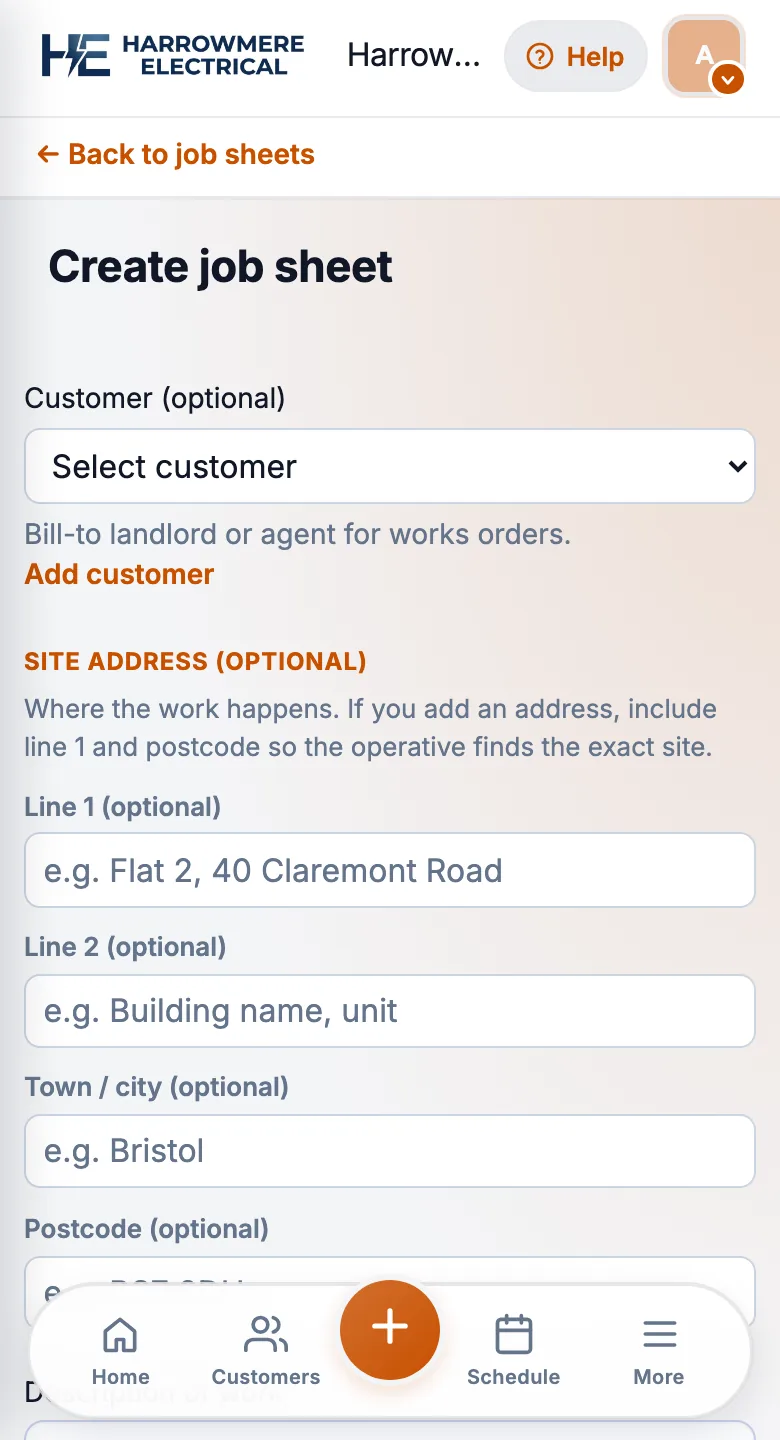
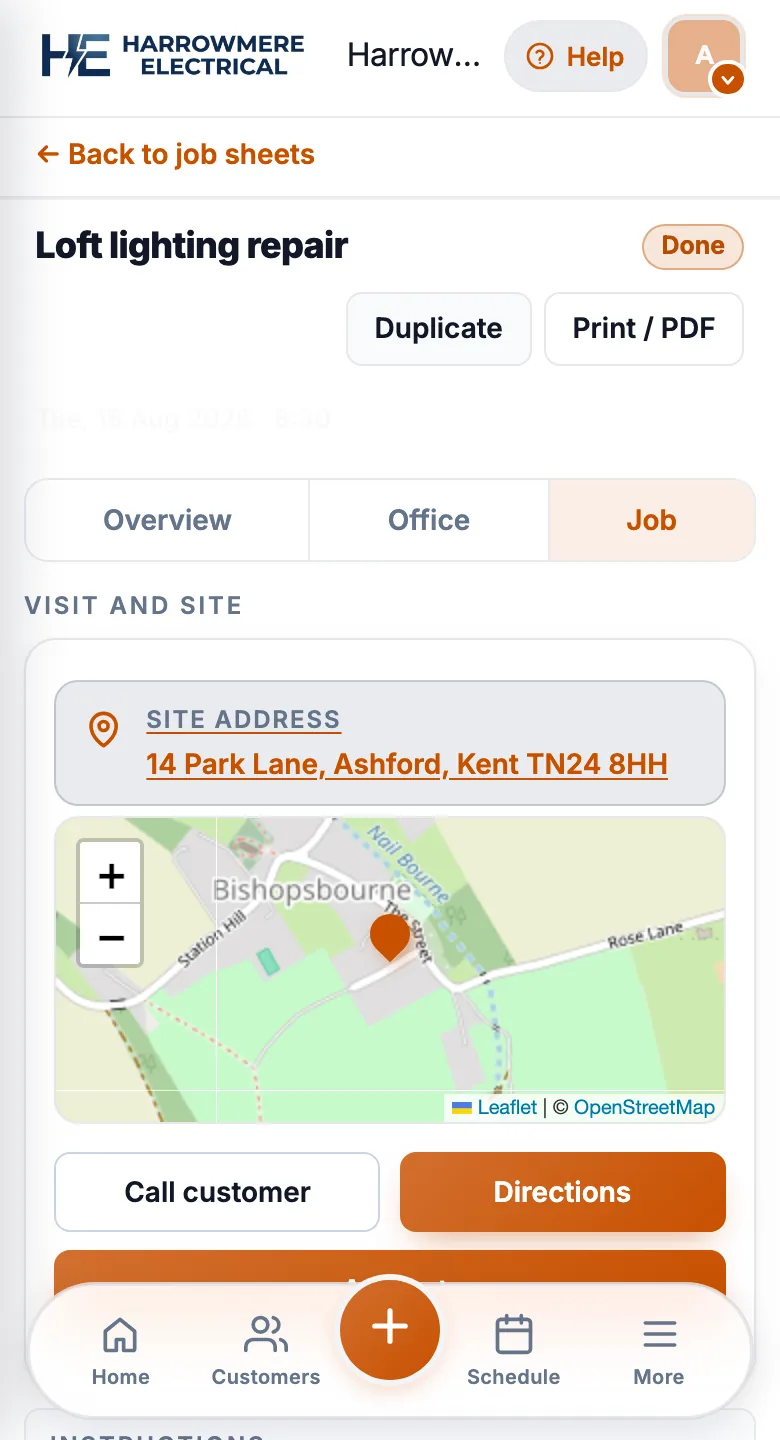
01 Booked
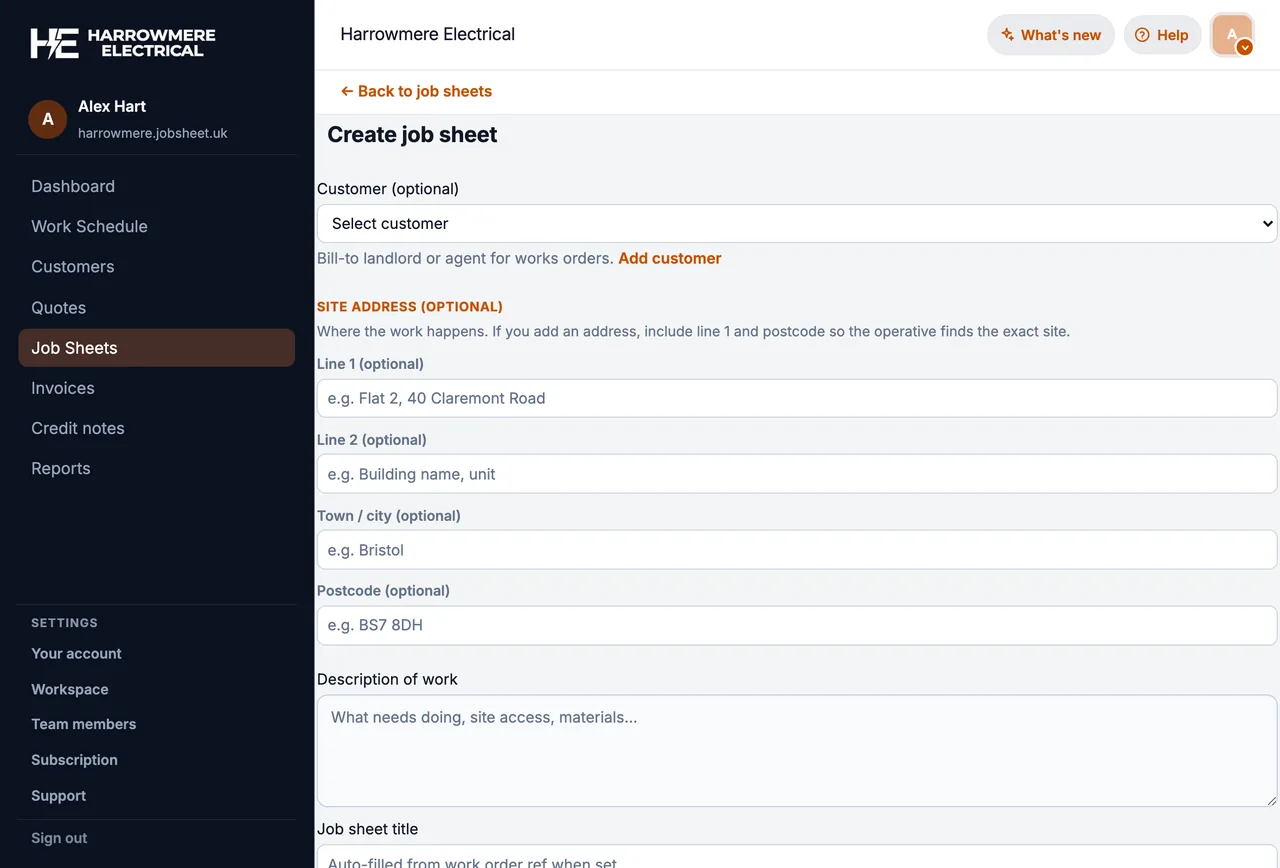
The job sheet is created when the work is booked
It names the customer, the site, the work agreed and the engineer going. Confirming a quote can create it for you.
02 On site
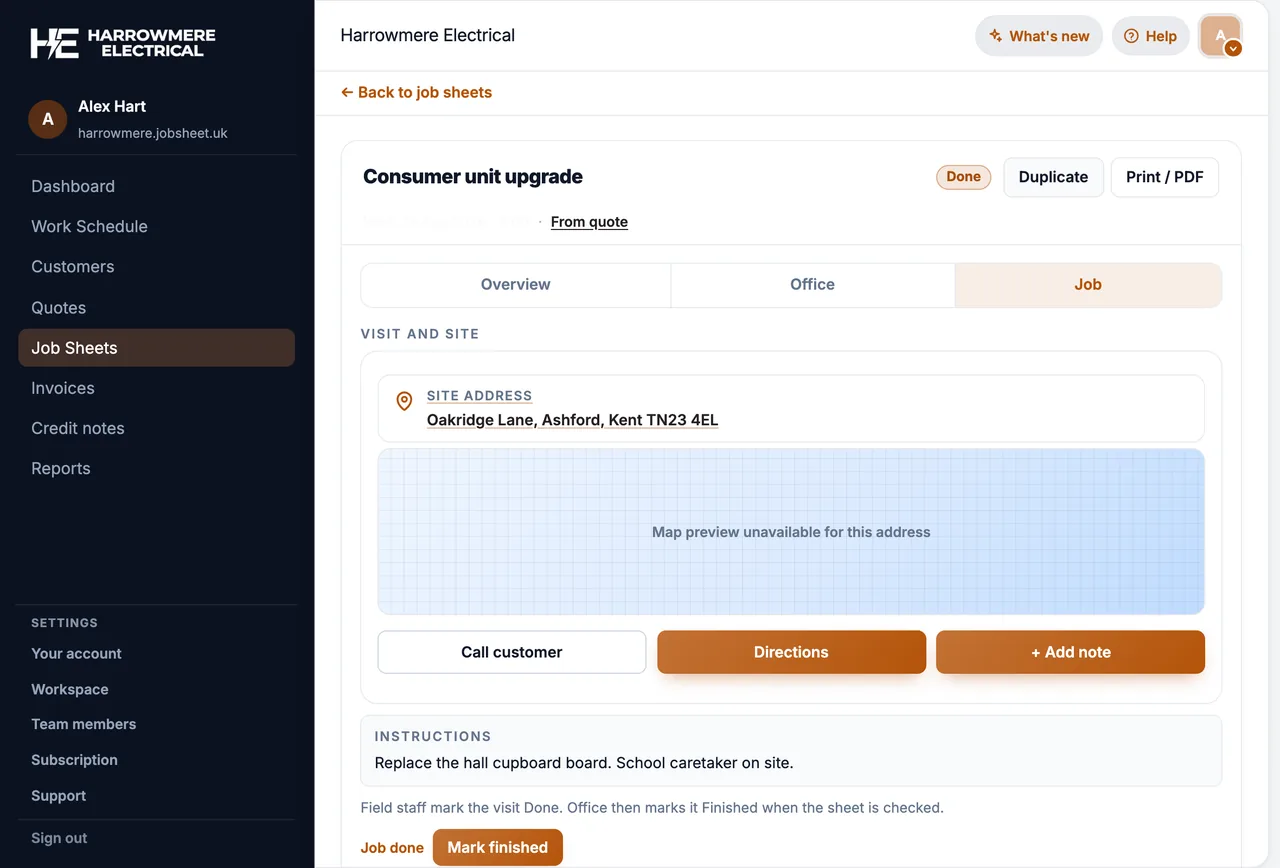
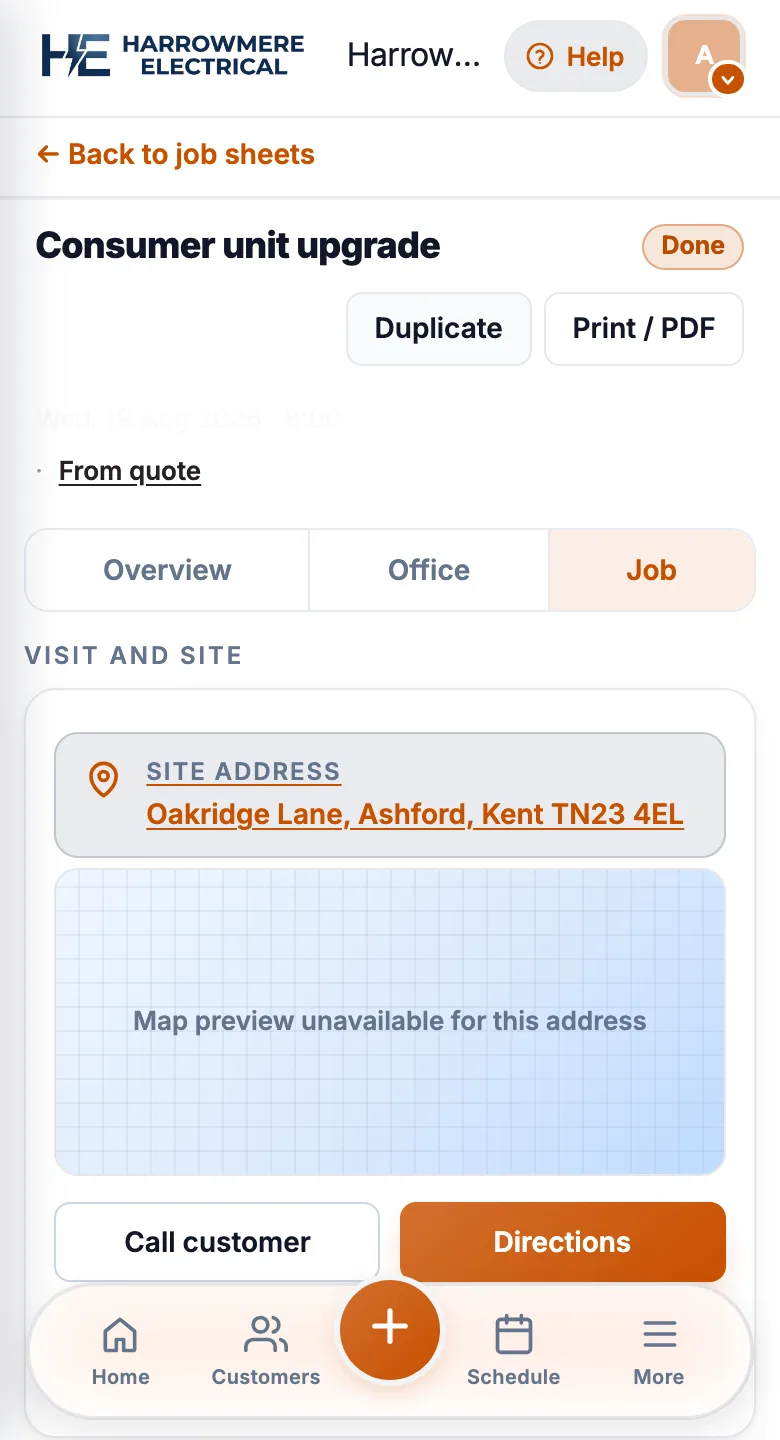
The engineer records what was done
Notes, photos and any extra work go on the sheet, then the engineer marks it done before leaving.
03 Checked
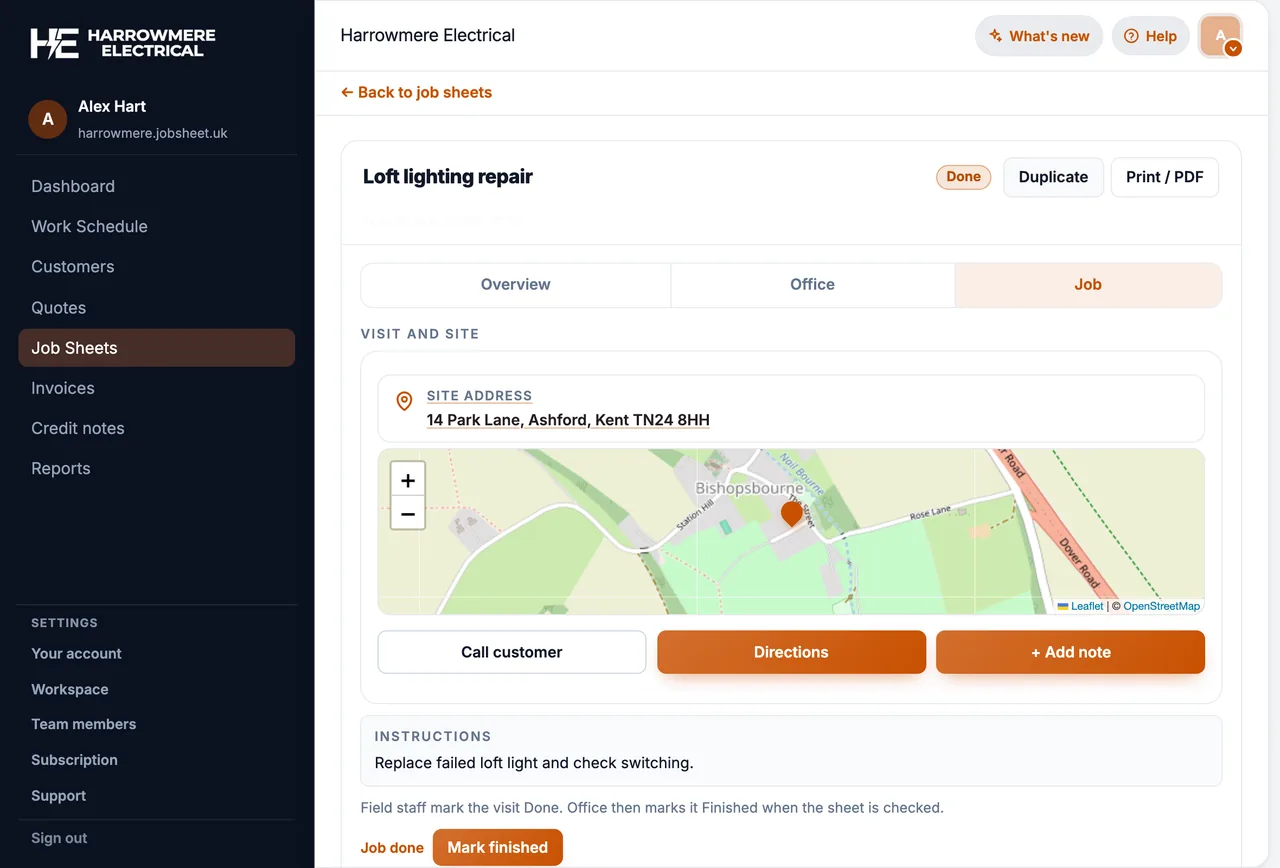
The office checks the sheet
Someone in the office reads it through and marks it finished, so only checked work gets billed.
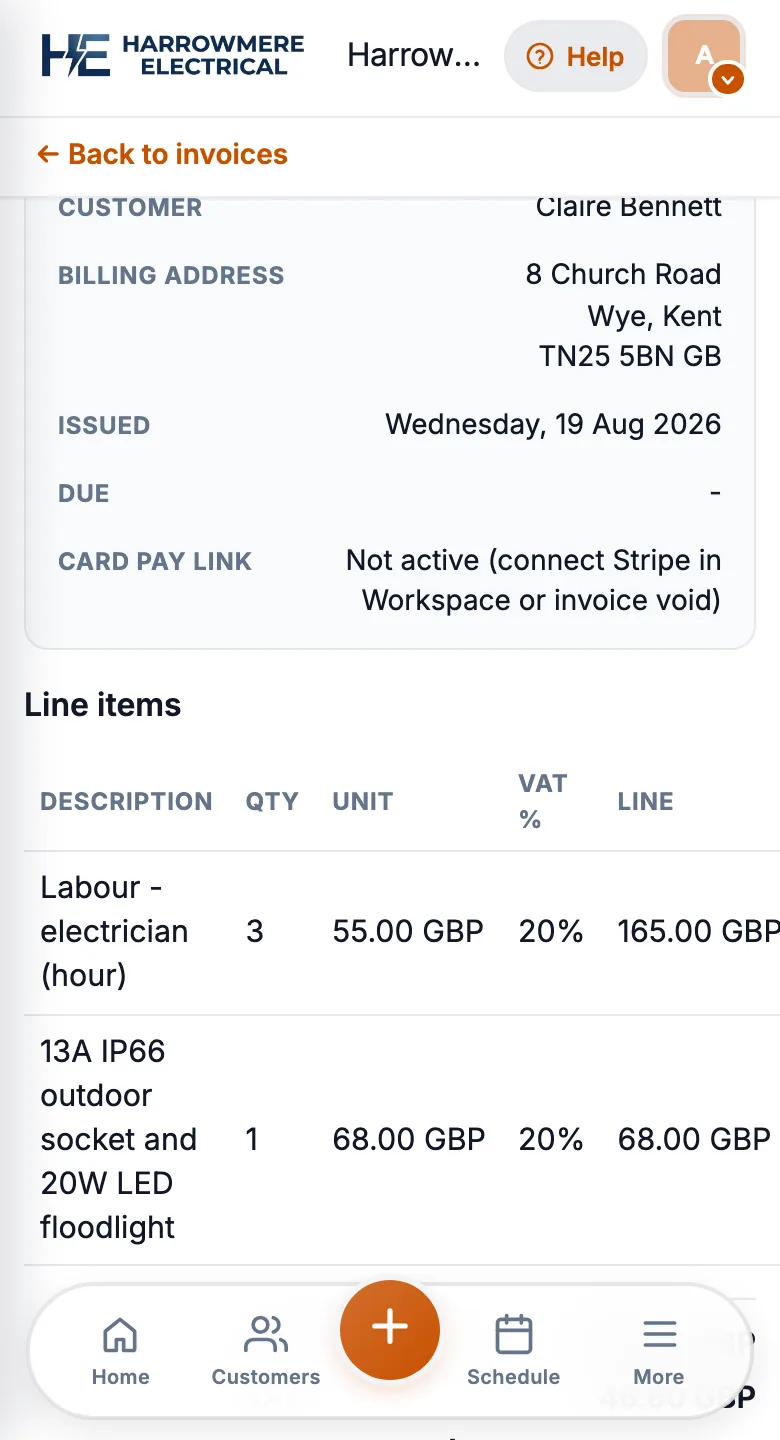
04 Invoiced
The invoice is raised from the job
The customer and line items carry over, so the bill matches what the sheet says was done.
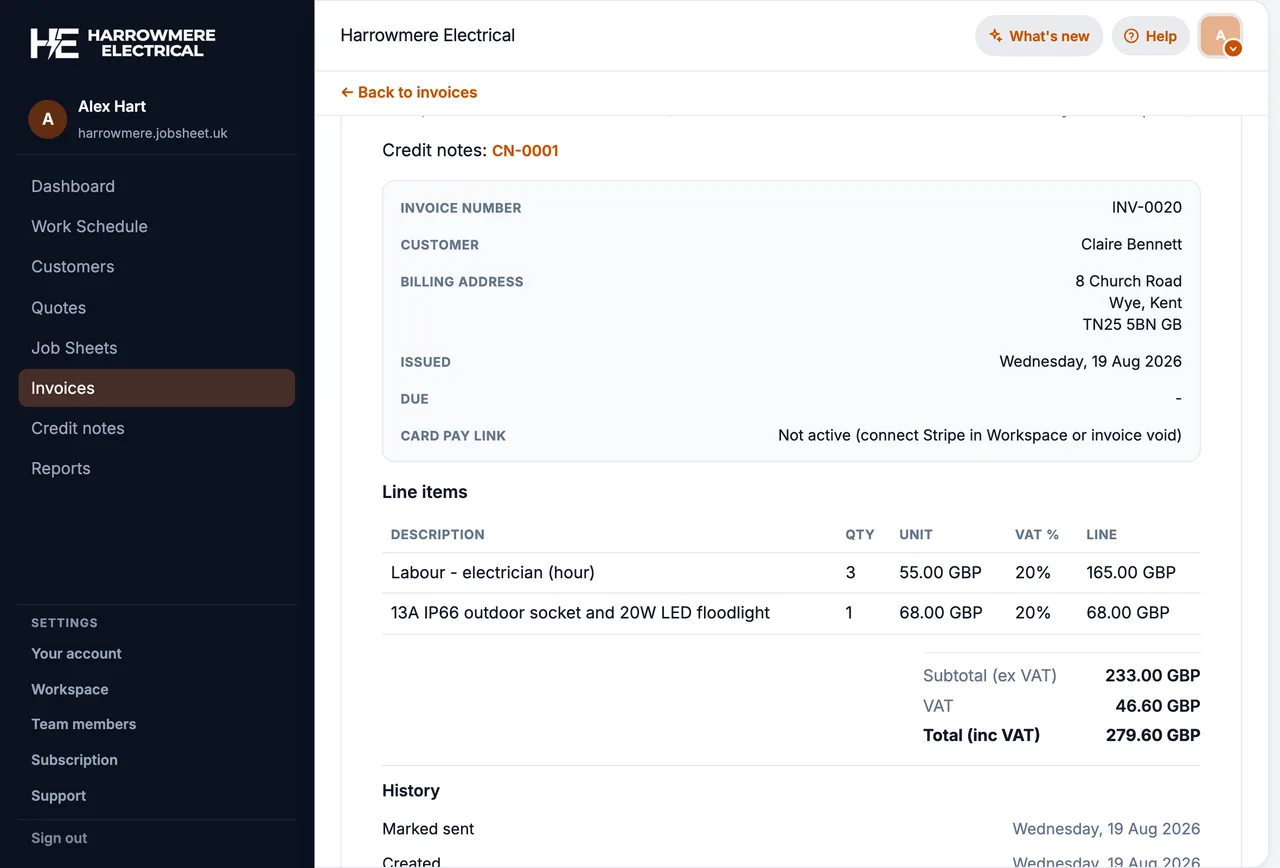
A quote says what you offered. An invoice says what you billed. The job sheet sits in the middle: it is the live record of the work itself.
What goes on a job sheet
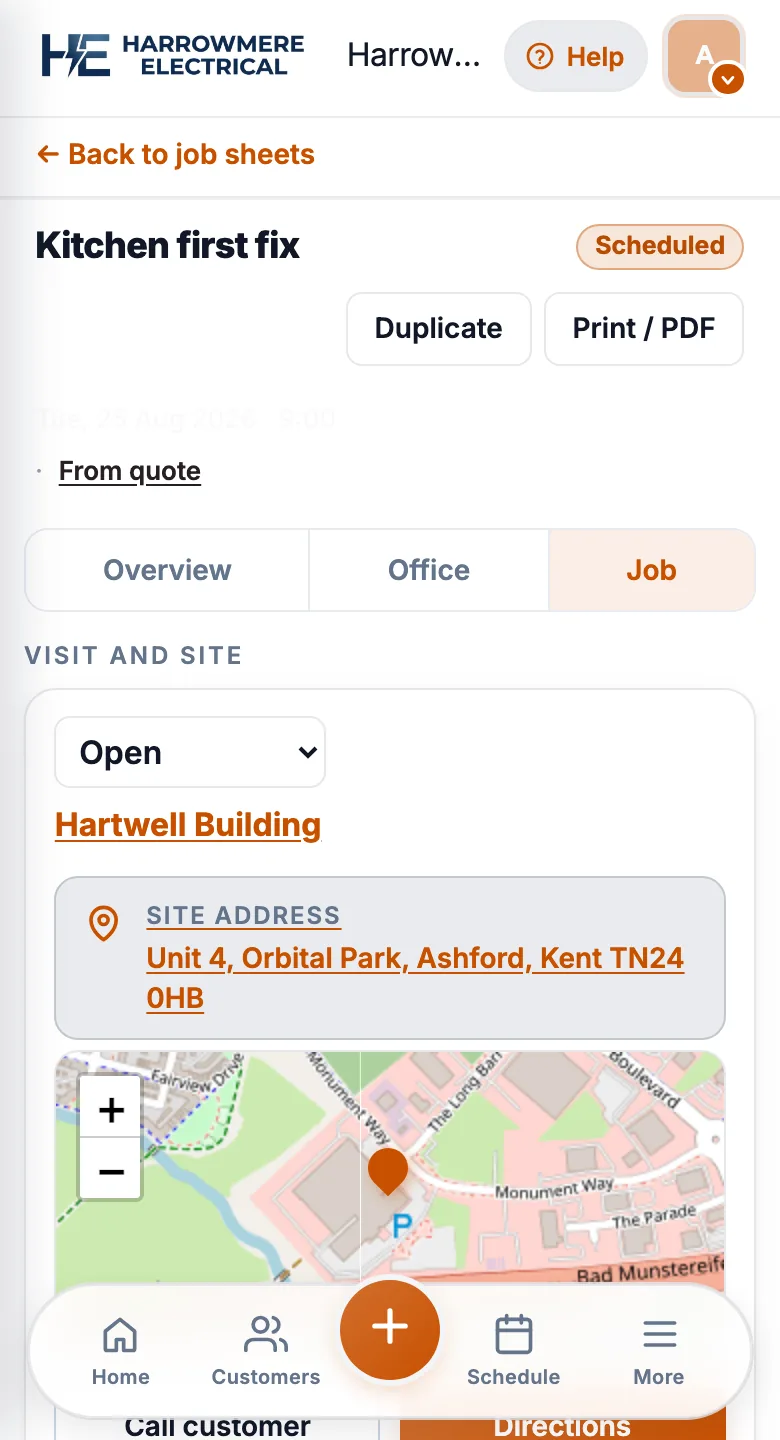
A useful job sheet answers the questions the office and the engineer both need later:
- Customer and site: who booked it, and where to go (including a different site address if the work is not at the billing address)
- Scope: what was agreed on the phone or on the quote
- Who attended: named engineer or engineers
- When: scheduled time, and actual start and finish if you record visit times
- What was done: notes, materials used, photos of the work or the fault
- Status: still open, done on site, checked by the office, or cancelled
Paper pads, Word templates, and spreadsheets can hold the same fields. The problem is usually where the sheet lives after the visit: in a van, on a phone, or in an email thread the rest of the team cannot search.
Paper job sheets vs digital job sheets
Paper still works for a solo operator with a handful of jobs a week. You fill the pad on site, bring it back, and type an invoice later.
Pain shows up when:
- Two or more people need today’s jobs without ringing the van
- Photos stay on a personal phone instead of the customer record
- The office invoices from memory because the sheet is still in the cab
- Nobody can find last month’s visit notes when the customer queries the bill
Digital (electronic) job sheets are the same record on a phone and in the office. Engineers open today’s job, add notes and photos, and mark the visit done. The office sees the same status and can invoice from that record instead of retyping.
Paperless does not mean you never print. Many teams still print a van copy or a landlord pack. The difference is that the source of truth is the digital sheet, not a pad that can be lost.
See job sheet software vs spreadsheets if you are moving off shared files and texts.
Job sheet vs quote, invoice, and works order
| Record | What it is for |
|---|---|
| Quote | Price and scope you offered the customer, before they accept |
| Job sheet | The visit or job itself: schedule, notes, photos, status |
| Invoice | What you billed after (or against) the work |
| Works order | A structured pack some firms use for landlord or tenant sites (paperwork, stages, ready to send) |
In construction, “job sheet” can also mean a timesheet or a costing sheet. For UK service trades it usually means the visit record, not a payroll form.
When job sheet software helps
Software is worth it when the office and engineers need one record per job they both trust:
- A schedule for today’s run
- Mobile job sheets with notes and photos
- Customers with site addresses
- Quotes and invoices linked to the same job
- Team logins so each engineer sees assigned work
You do not need enterprise field service features (dispatch boards, fleet tracking, call-centre CRM) to replace a pad.
How JobSheet uses job sheets
In JobSheet, each piece of work is a job sheet: one visit, one install, one repair, or one stage of a larger project. Confirming a quote can create the linked job sheet. Engineers add notes and photos on site and mark Done. Office staff mark Finished after they have checked the sheet, then raise the invoice.
JobSheet offers limited field offline after you install it on the phone: browse cached jobs and queue notes when signal drops. New jobs, quotes, invoices, and photo uploads still need a connection. JobSheet does not send customer SMS.
Next steps
Questions
Common questions
What is a job sheet?
The written record of one visit or job: who the customer is, where the site is, what was agreed, who attended and when, what was done, and any photos or notes. Trades also call it a job card or works sheet, and some firms call it a work order.
What should a job sheet include?
Customer and site address, the scope of work, who attended, the date and time, what was actually done (including any extras), photos or notes, and a status such as open, done on site, checked by the office or cancelled.
What is the difference between a job sheet and an invoice?
The job sheet records the work. The invoice bills for it. A quote comes before both and says what you offered. In JobSheet all three link to the same job, so the invoice can be raised from the finished sheet.
Is a job sheet the same as a work order or works order?
Often, yes. Many UK trades use job sheet and work order for the same thing. A works order can also mean a structured pack some firms use for landlord or tenant sites. See best work order management software UK.
Do I need job sheet software?
Not always. Paper or a spreadsheet works for one person. Software helps once the office and engineers need one trusted record per job, photos need to stay with the job, or invoicing is slipping. See job sheet software vs spreadsheets.
Can I still print a job sheet?
Yes. Paperless does not mean you never print. Many firms print a van copy or a pack for a landlord. JobSheet can print a job sheet with a QR code that links back to the live record.