
UK trade explainer · Going digital
Job sheet software vs spreadsheets and texts
Spreadsheets and group texts work fine for one van. They start costing money when visits get missed, photos sit on personal phones and invoices get argued over. Here is when to switch, and how to do it without disrupting work.
Updated November 2026
- When spreadsheets still work
- What software should fix
- A two-week switch-over plan
What to look for
What job sheet software should fix
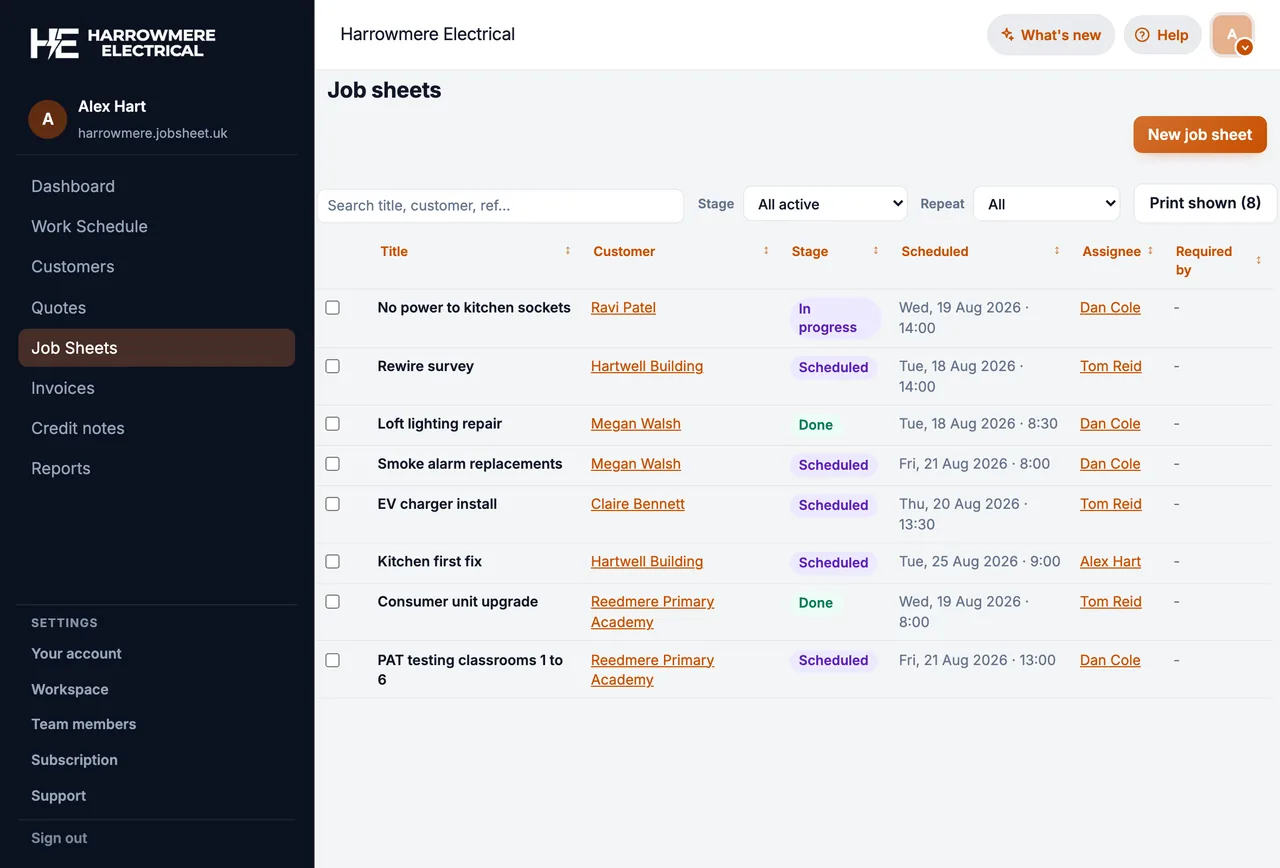
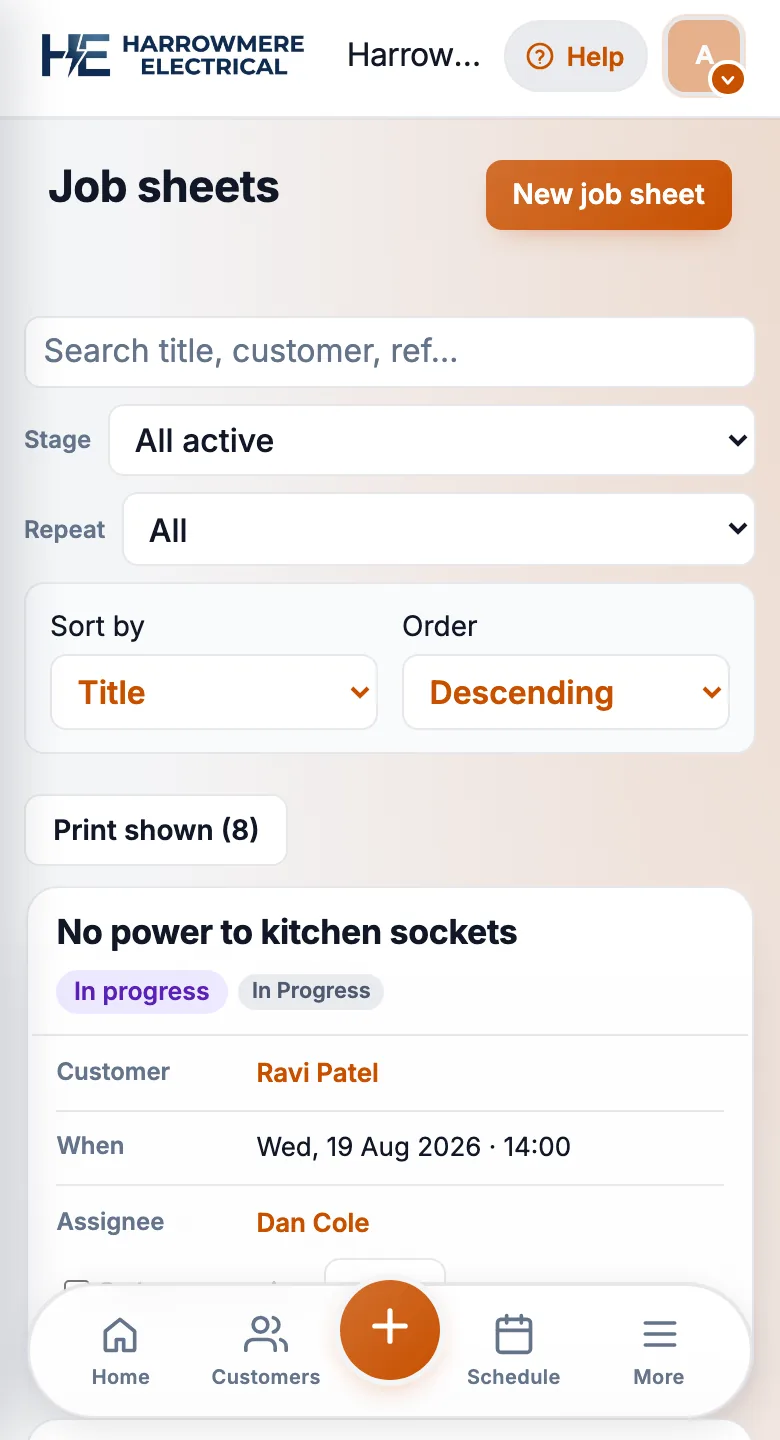
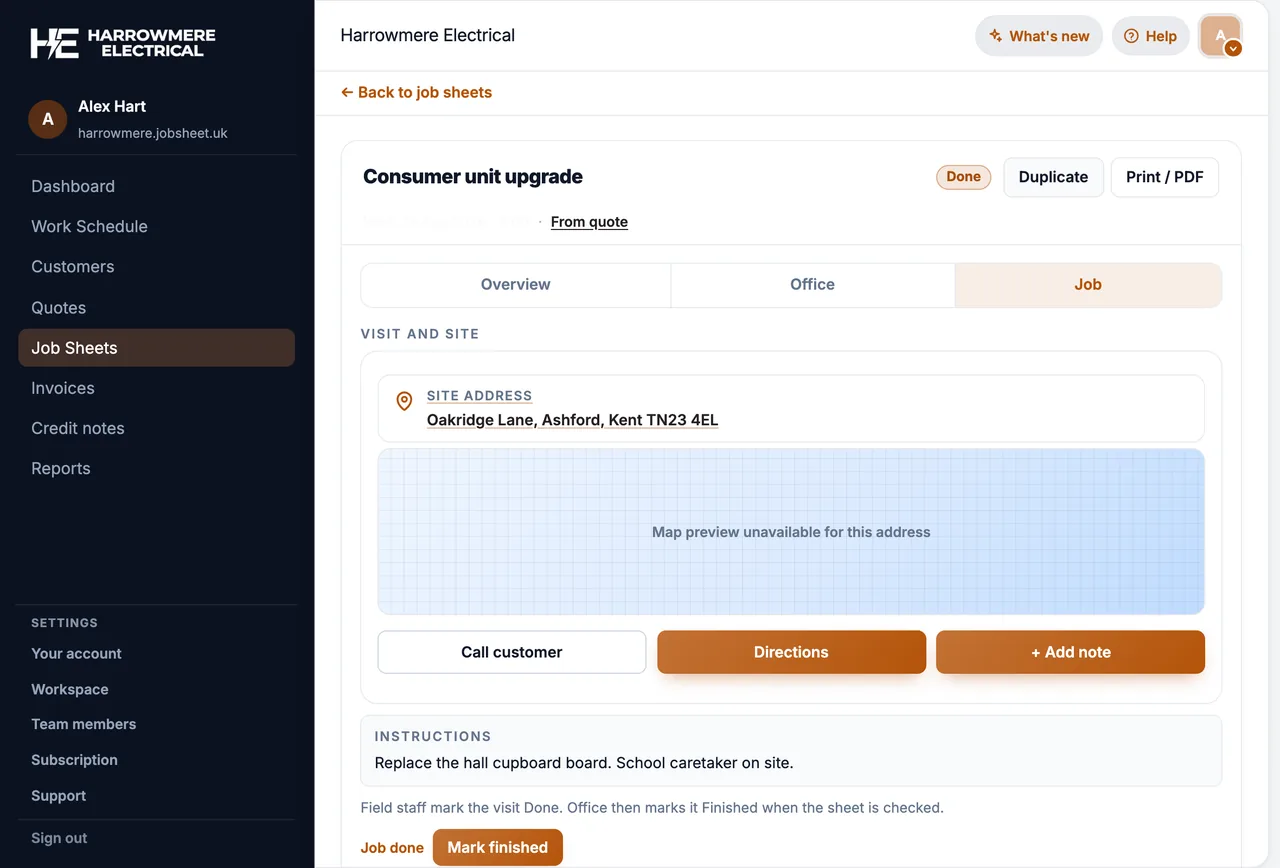
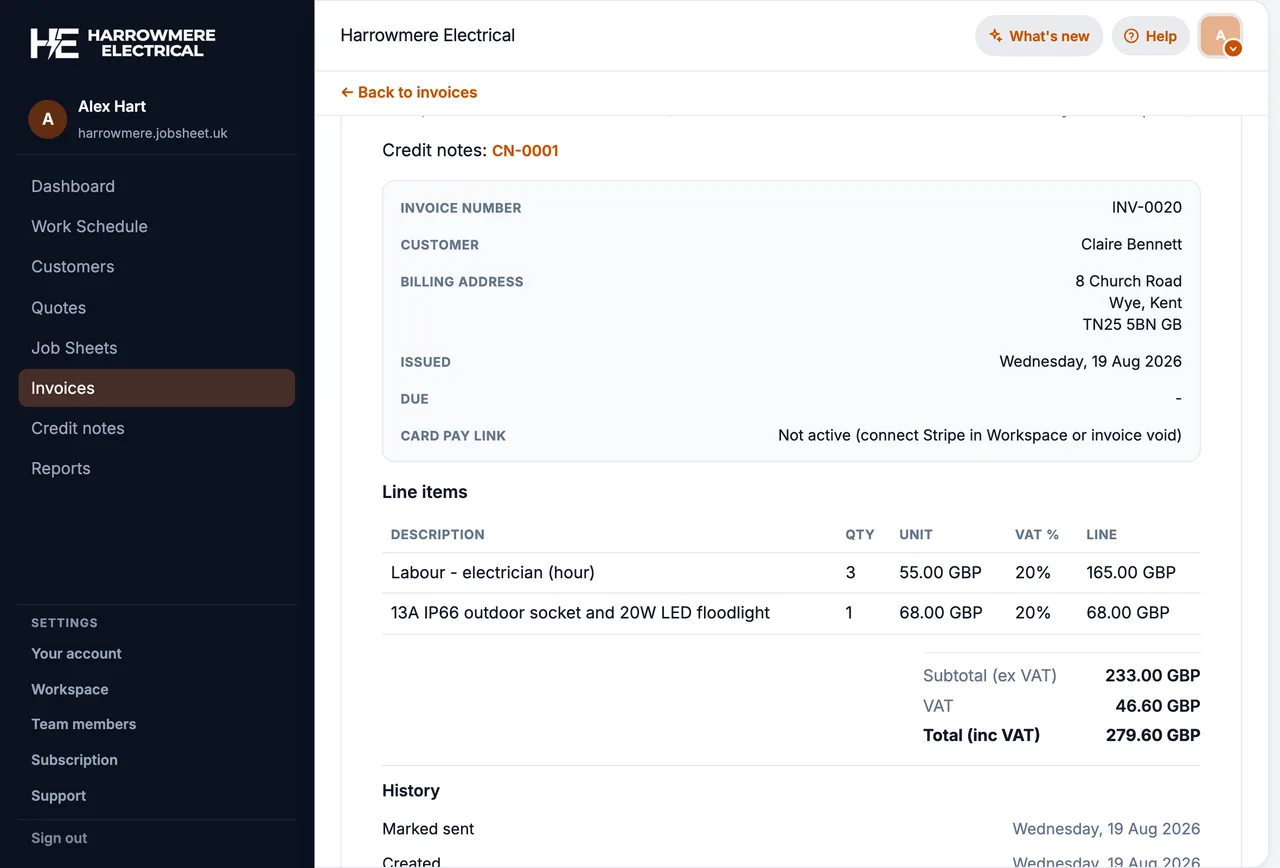
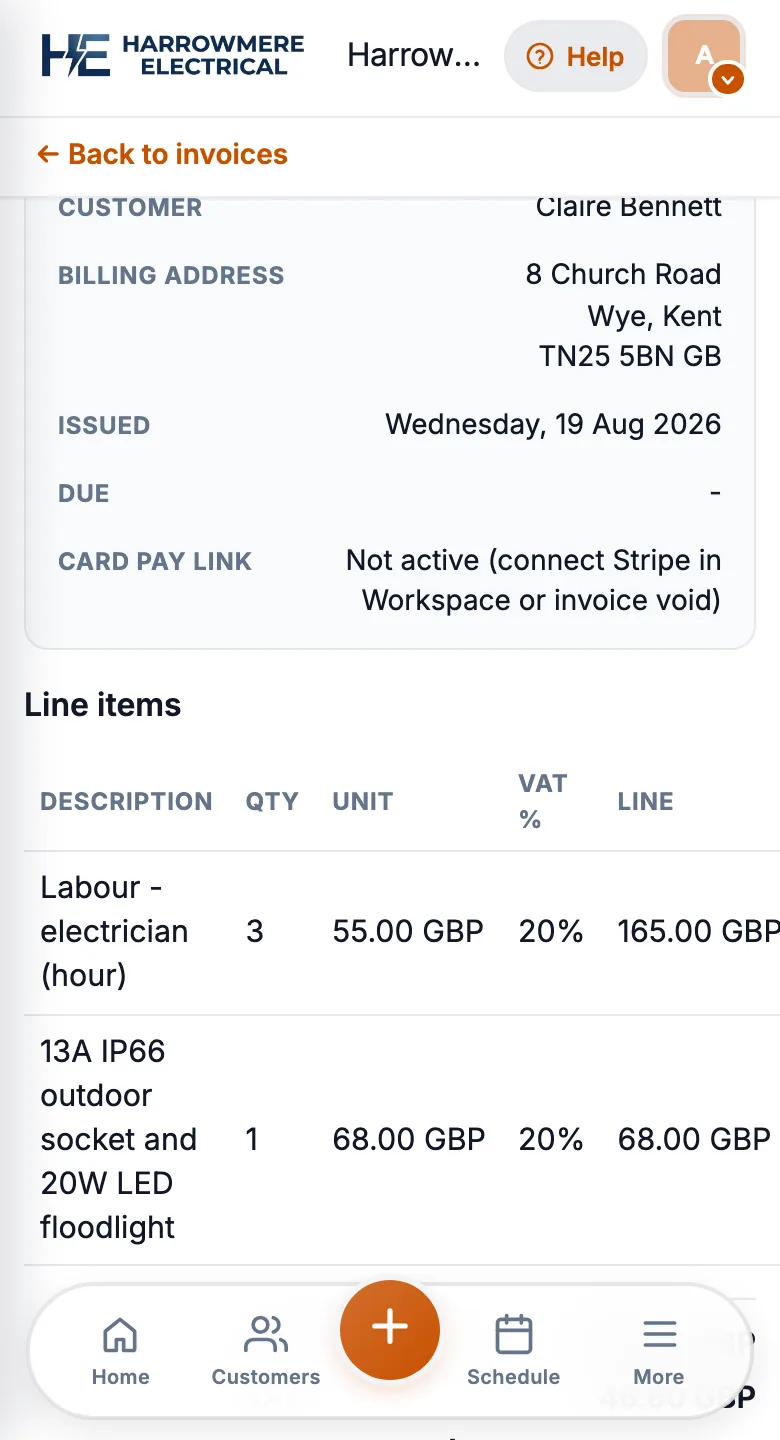
The jobs a spreadsheet and a group chat struggle with. Shown here in JobSheet.
01 One list
Every job in one place
Open, done and checked jobs in one list, instead of rows that someone forgot to update.
02 Diary
A diary everyone sees
The office and vans see the same week, so missed visits and double bookings show up early.


03 On site
Photos and notes stay on the job
Engineers add them from site, so they are not lost on a personal phone.
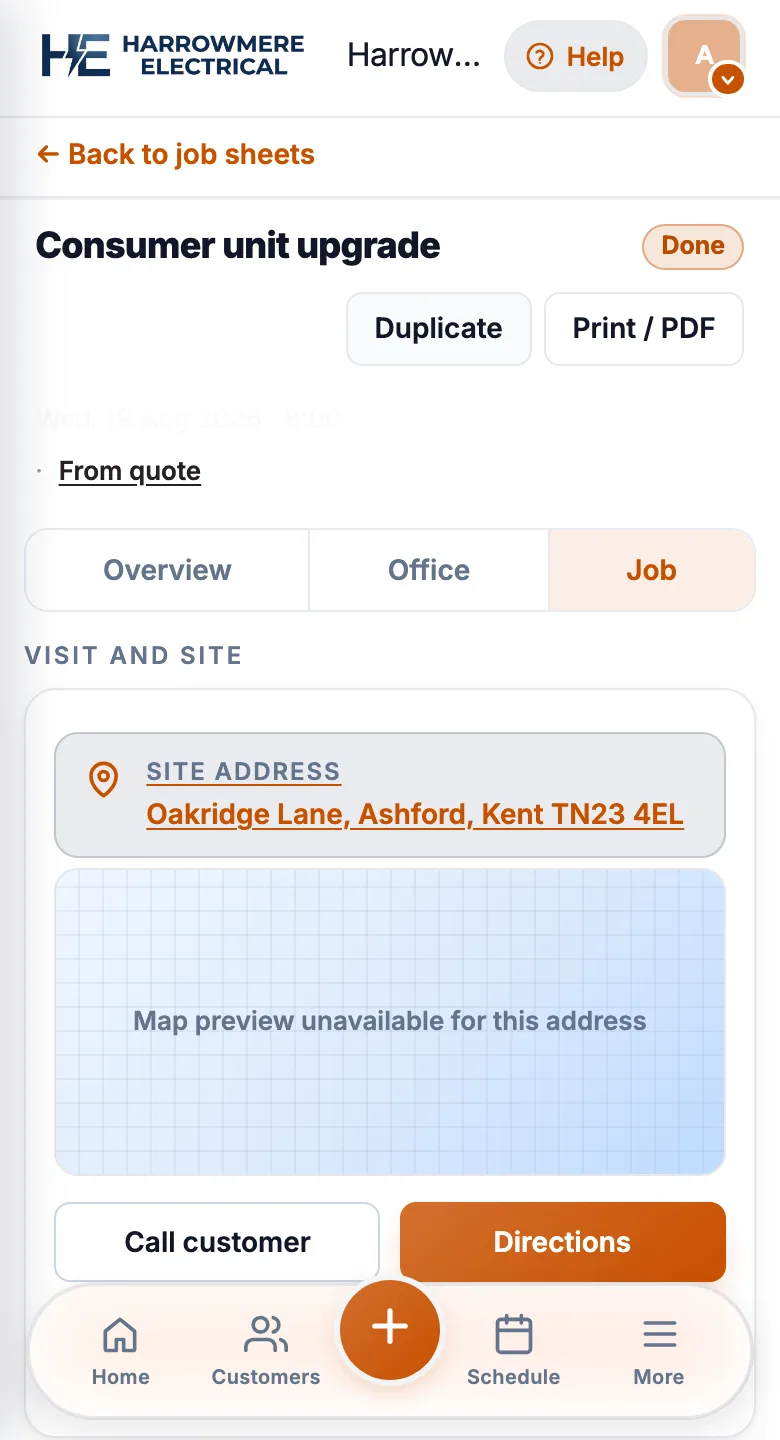
04 Invoice
Invoices come from the job
The finished job becomes the invoice, so there is no arguing over what was done.
When spreadsheets still work
- One van, a handful of jobs a week, and you are the only person updating the sheet
- Customers rarely dispute what was done or what was quoted
- You invoice from the same notebook you use on site
When pain shows up
- Two or more engineers need today’s jobs without ringing the office
- Photos and notes live on personal phones, not on the customer record
- Quotes in email, job details in texts, invoices in a separate template
- Nobody trusts the shared diary after a busy week
What job sheet software should fix
Look for tools that actually ship today:
- A work schedule the team believes
- Mobile job sheets with notes, photos, and mark-complete
- Customers with site addresses and contact details
- Quotes and invoices linked to the job (GBP line items)
- Team logins so each engineer sees assigned work
Avoid paying for offline mode, automatic SMS, or payment links unless the vendor shows them working in your trial.
A practical migration path
- Run the next two weeks of real jobs in the new tool, not a demo account
- Move open jobs first; leave archived history in the spreadsheet if needed
- Train engineers on three tasks only: open today’s job, add a photo, mark complete
- Keep invoicing inside the same system once quotes and job sheets match
How JobSheet fits
JobSheet targets UK trades with £15/month + £5 per extra user, Companies House import for Ltd customers, and a PWA you can install to the home screen. Offline use is limited: the installed app keeps cached jobs and queues notes, but new customers, quotes, invoices and photo uploads need mobile data or Wi-Fi.
Next steps
Questions
Common questions
When should I switch from a spreadsheet to job sheet software?
When two or more people need the same job list, photos need to sit on the job, visits get missed, or invoicing slips. If you work alone and the sheet is up to date, a spreadsheet can be enough.
How long does switching take?
Plan on two weeks of real jobs. Move open jobs across first, rather than years of history, and keep invoicing in the new system from day one.
What should engineers learn first?
Three things: open today's job, add a photo, and mark the job complete. Everything else can wait.
Can I bring my customer list across?
Yes. In JobSheet you can import customers from a CSV file, which most spreadsheets can export.
Is a spreadsheet really free?
The file is free, but it is not shared live with the vans, photos do not sit on the job, and someone has to keep it up to date. That time is the real cost.