UK trade explainer · Choosing software
How to choose field service software in the UK
Replacing paper job sheets, texts and spreadsheets is a big step. This checklist helps UK trade owners compare field service software on what matters in year one, without getting lost in enterprise features.
Updated November 2026


- 5 checks before you buy
- Pricing models explained
- What to test on the phone
What to look for
What to test during your trial
Use real jobs, not a tidy demo account. These are the checks, shown in JobSheet.
01 Team size
Everyone sees the same diary
With 2 to 15 people, each job needs a named engineer and a diary the office and vans both trust.


02 Mobile
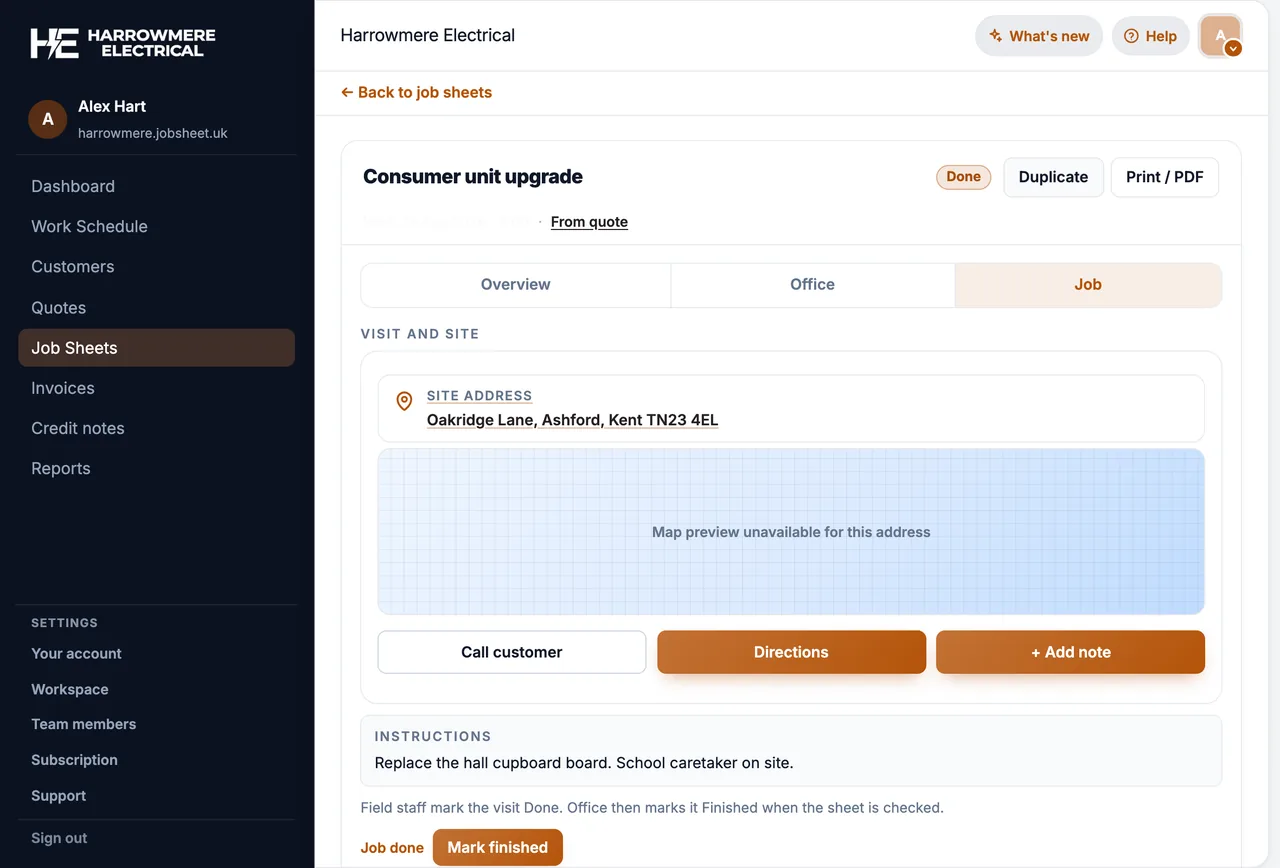
An engineer can finish a job on the phone
Ask your least confident engineer to add a note and a photo and mark a job done, on 4G rather than office Wi-Fi.
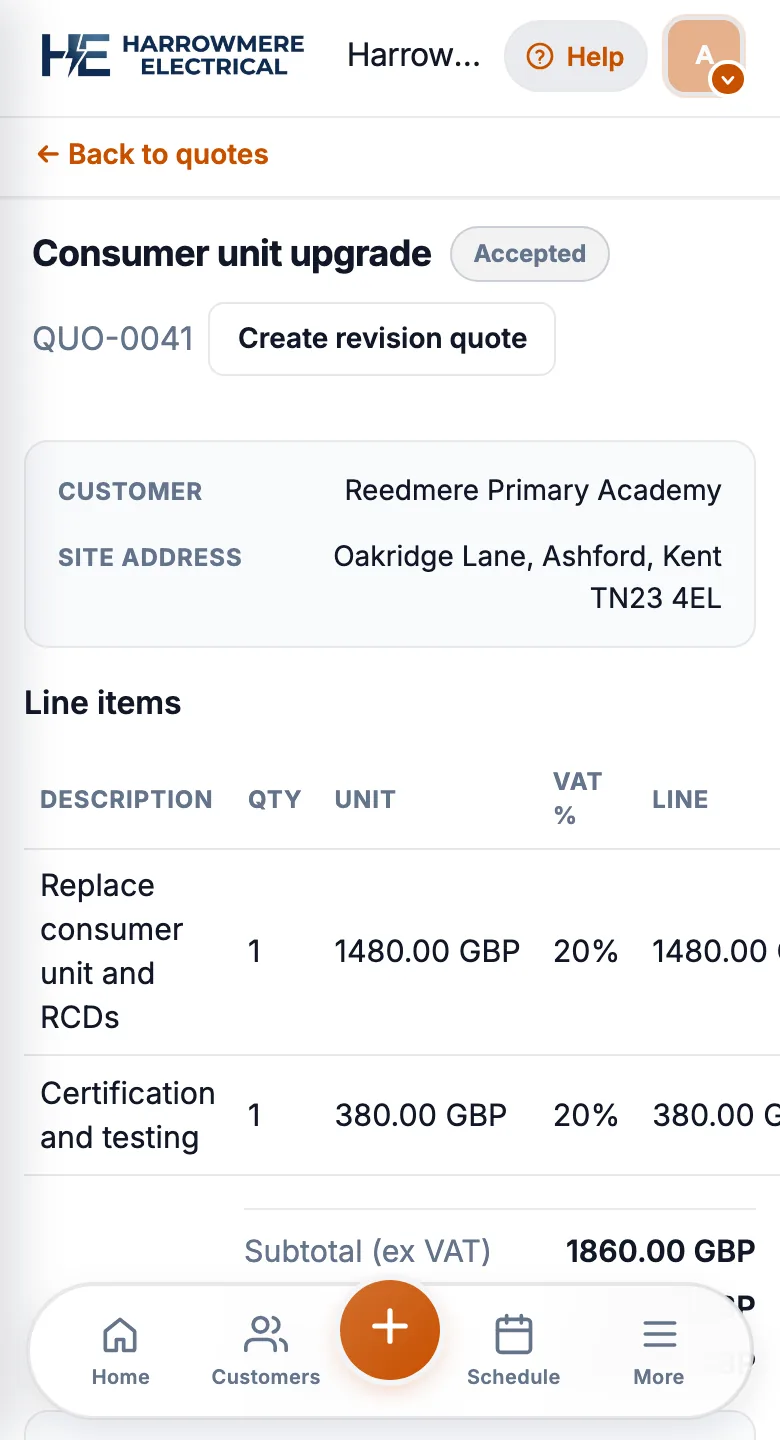
03 Quote to job
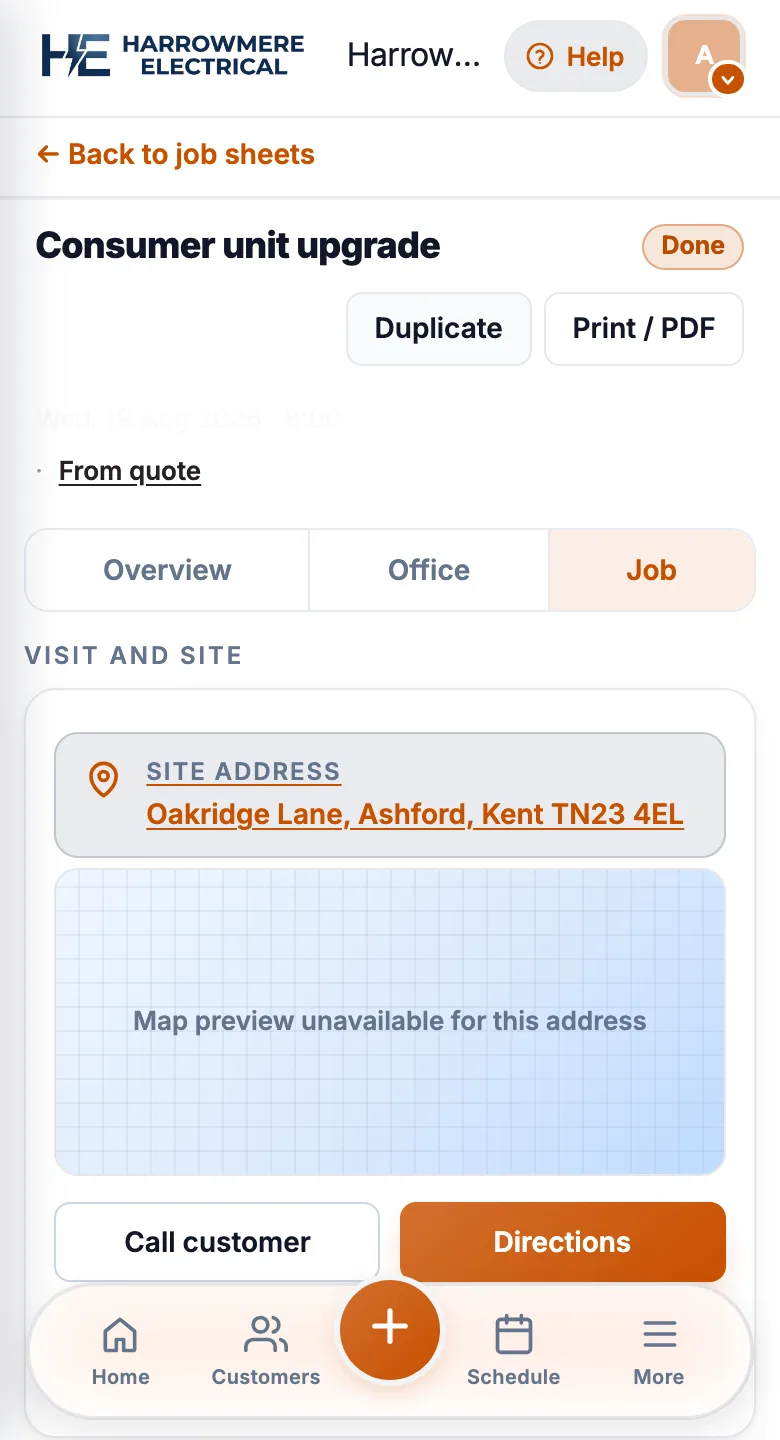
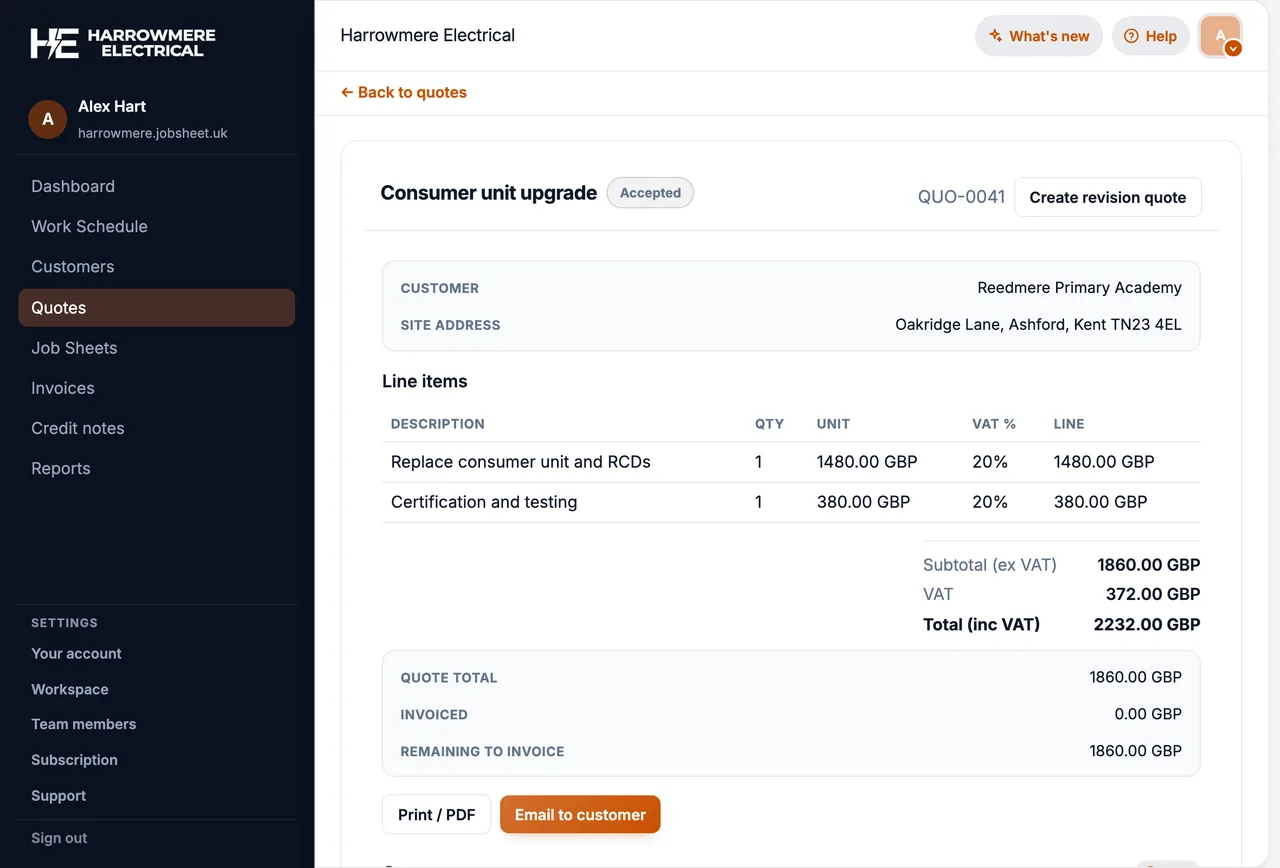
The quote becomes the job
Accepting a quote should create the job with the customer, site and line items already filled in.
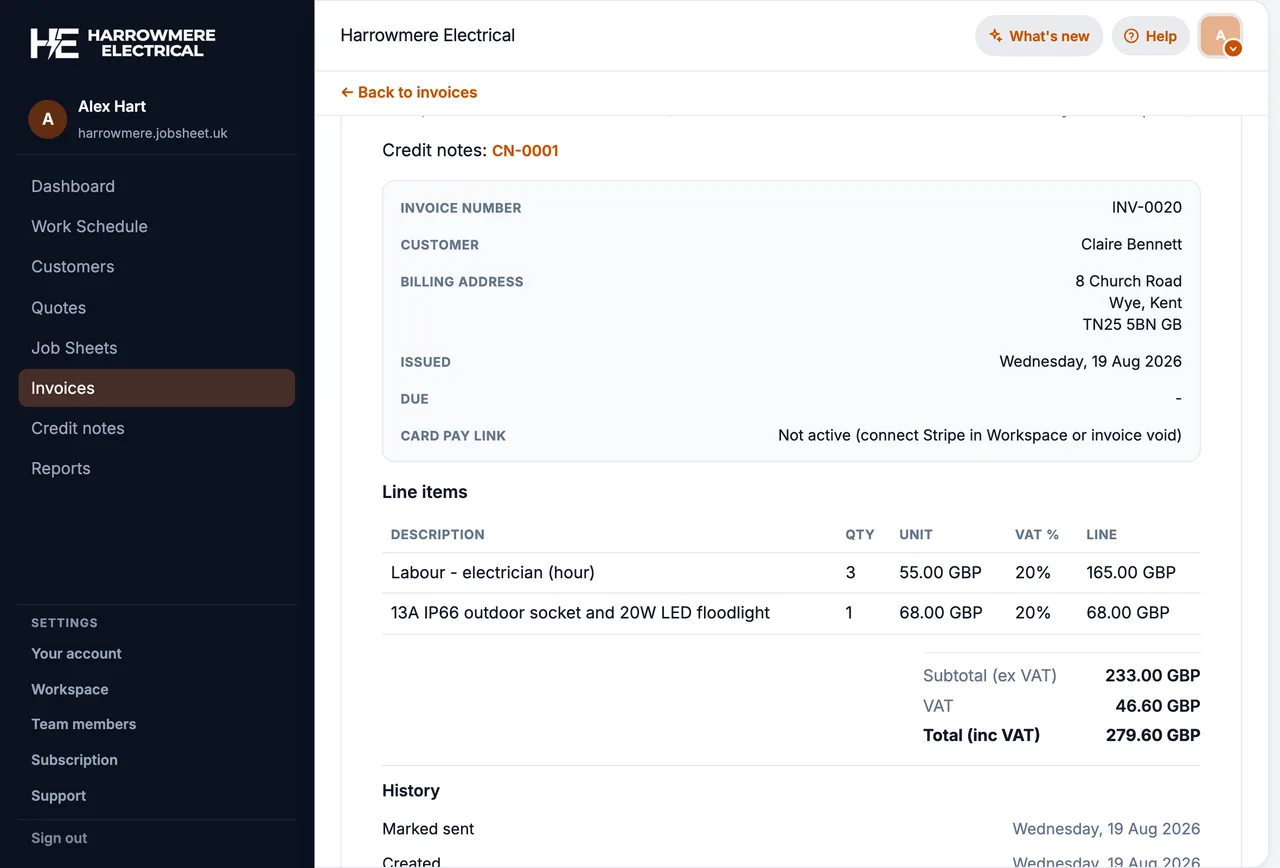
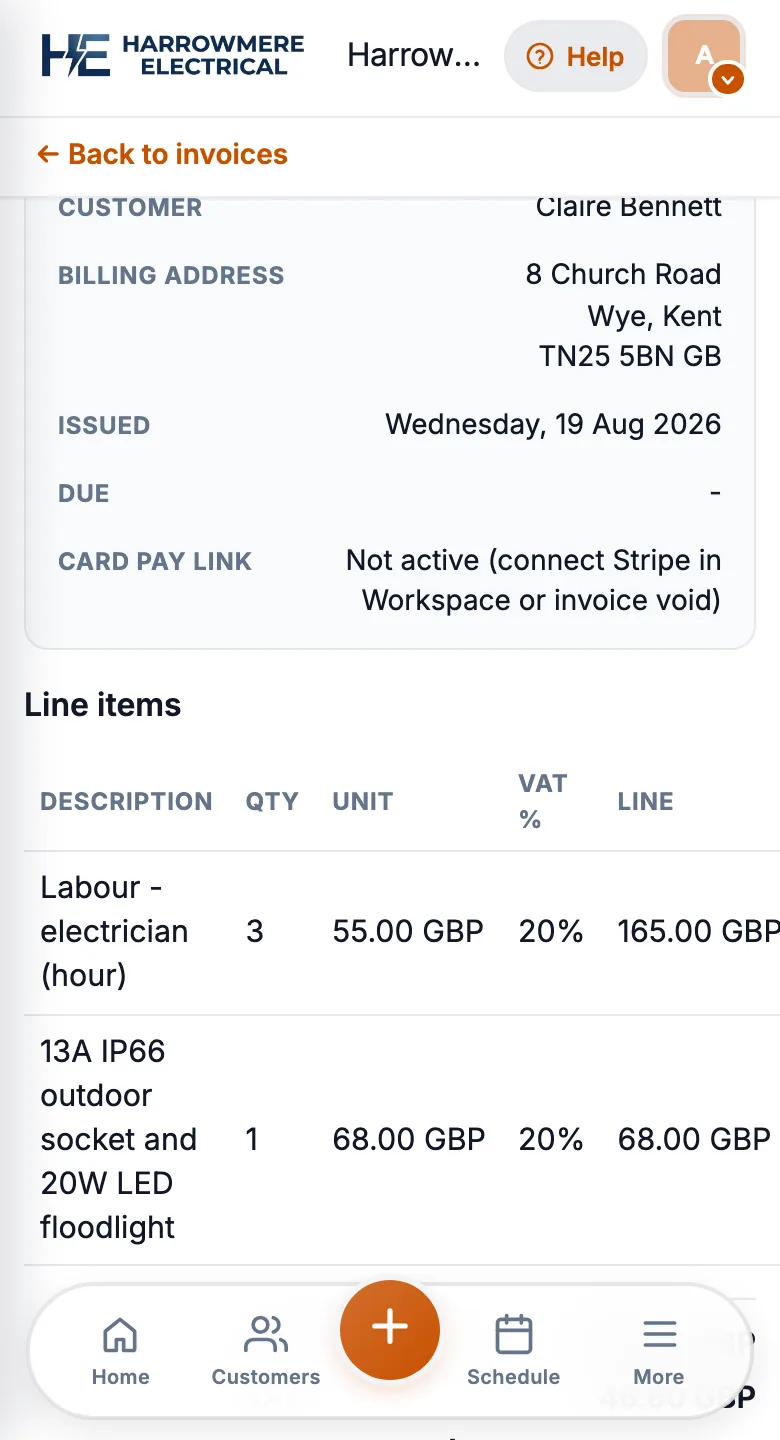
04 Invoice
The job becomes the invoice
Pounds, UK dates and VAT on the invoice, raised from the finished job the same day.
Replacing paper job sheets or a patchwork of texts and spreadsheets is a big step. This guide helps UK trade owners compare options without getting lost in enterprise features you will never use.
1. Match software to your team size
Solo operators can live with simple calendars. Teams of two to fifteen need assignable job sheets, shared customers, and a diary everyone trusts. Enterprise platforms add cost and admin long before you need them.
2. Understand pricing models
Some tools charge per user (predictable as you hire). Others cap new jobs per month with unlimited logins. Run your real job count and headcount through both models before you sign.
3. Check the mobile workflow
Engineers need today’s jobs, site notes, photos, and mark-complete from a phone. Native apps and home-screen (PWA) apps both work if the team actually uses them. Run a one-week trial on live jobs, not a demo account.
4. Follow the money: quote to invoice
The best fit links accepted quotes, job sheets on site, and invoices on one record. If those live in separate modules with manual copy-paste, admin time creeps back in.
5. UK-specific basics
For UK trades, look for GBP quotes, sensible UK date handling, and Companies House lookup if you invoice Ltd companies often.
Next steps
- Browse our software comparisons for side-by-side UK guides
- Read how-to guides for day-one setup in JobSheet
- Start a 14-day free trial on your own jobs
Questions
Common questions
How do I choose field service software?
Match it to your team size, work out what each pricing model costs you, trial the mobile app on real jobs for a week or two, and check that a quote becomes a job and an invoice without retyping. Skip features you will not use in year one.
What size of business needs field service software?
A solo trade can often manage with a simple calendar and invoicing tool. Once 2 to 15 people need assignable jobs, shared customer records and a diary everyone trusts, field service software usually pays for itself.
Which pricing model is best for a small trade business?
Per-user pricing grows with headcount, job credits grow with how busy you are, and a flat workspace stays predictable. Run your real headcount and busiest month through each. See per-user vs job-credit pricing.
How long should a software trial be?
At least a week on live jobs, ideally two. A tidy demo account will not show you how the app copes with a busy Monday or a weak signal on site.
What UK-specific features should I check?
Prices in pounds, UK date formats, VAT on quotes and invoices, and a Companies House lookup if you invoice limited companies.
Where can I compare field service software side by side?
See our best field service management software UK guide and the comparisons hub. Both are written by JobSheet, so confirm prices and features on each vendor's site.