
UK trade explainer · Mobile apps
PWA vs native app for field engineers
Native apps install from the App Store or Google Play. PWAs run in the browser and sit on the home screen like an app. Both can work well for job sheets on site. Here is what actually differs, and what to test.
Updated November 2026
- Native apps vs PWAs
- What matters more than the label
- What to test on site
What to look for
What to test on the phone
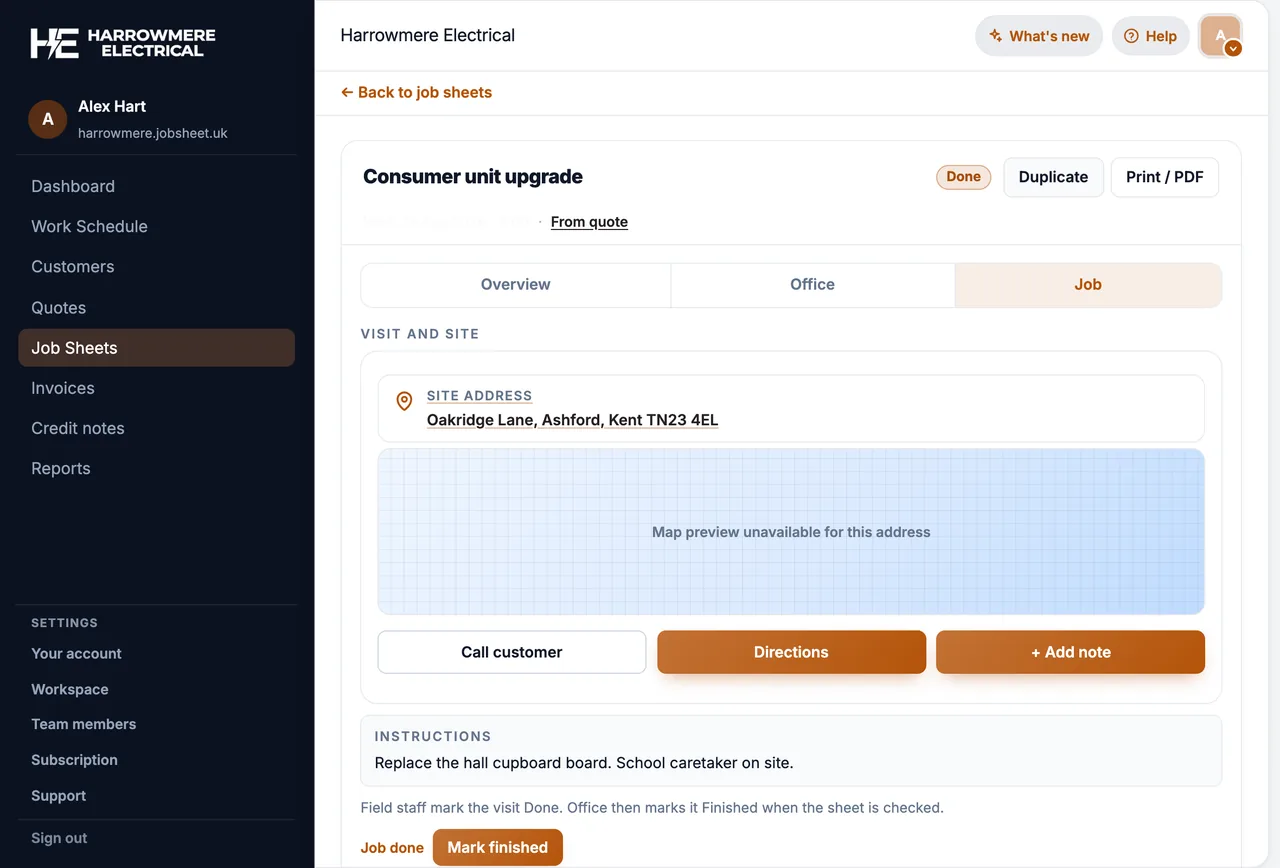
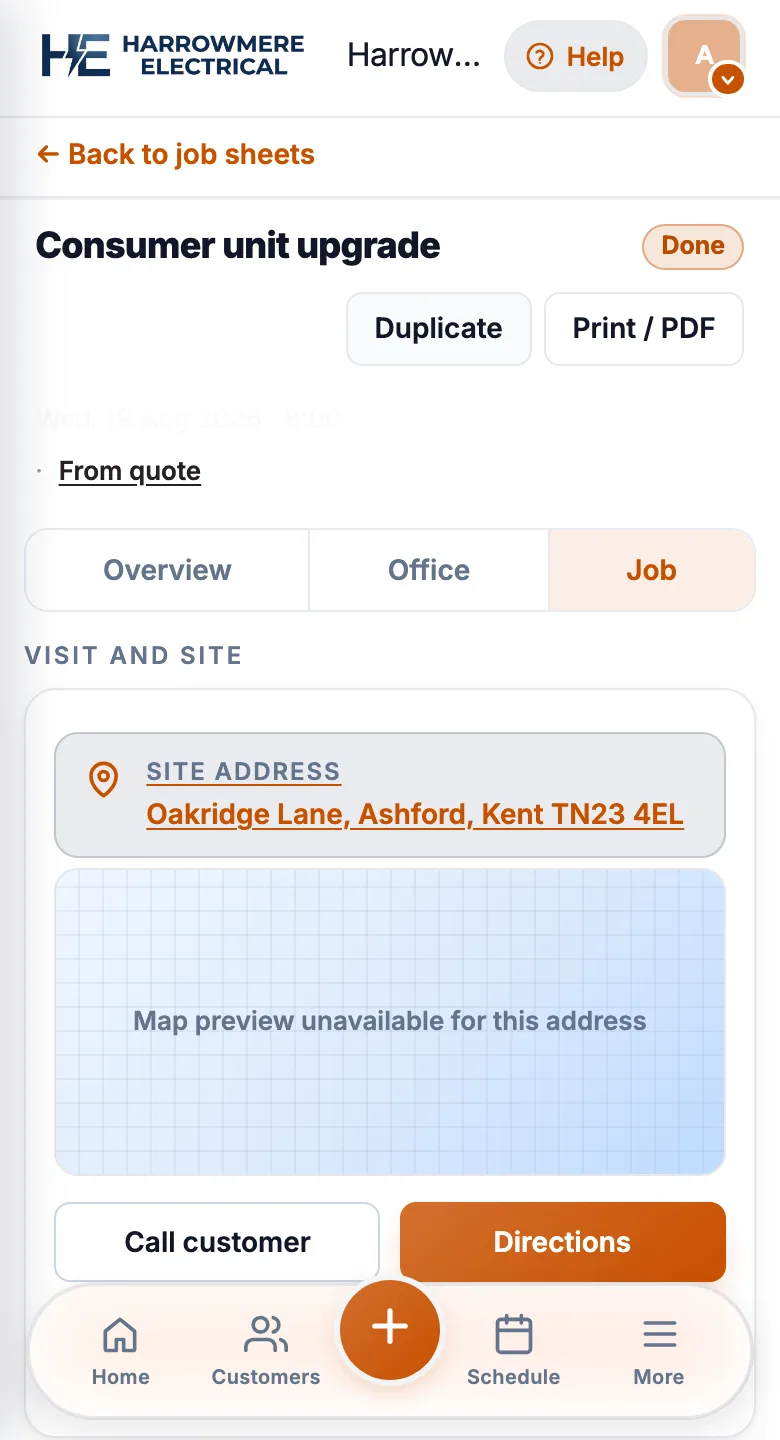
Whichever kind of app you choose, run these checks with an engineer on a real job. Shown here in JobSheet.
01 Today's jobs
Today's jobs in two taps
An engineer should open the app and see their next job without hunting through menus.


02 On site
Notes, photos and mark done
Recording the work should take seconds, including on a weak signal.
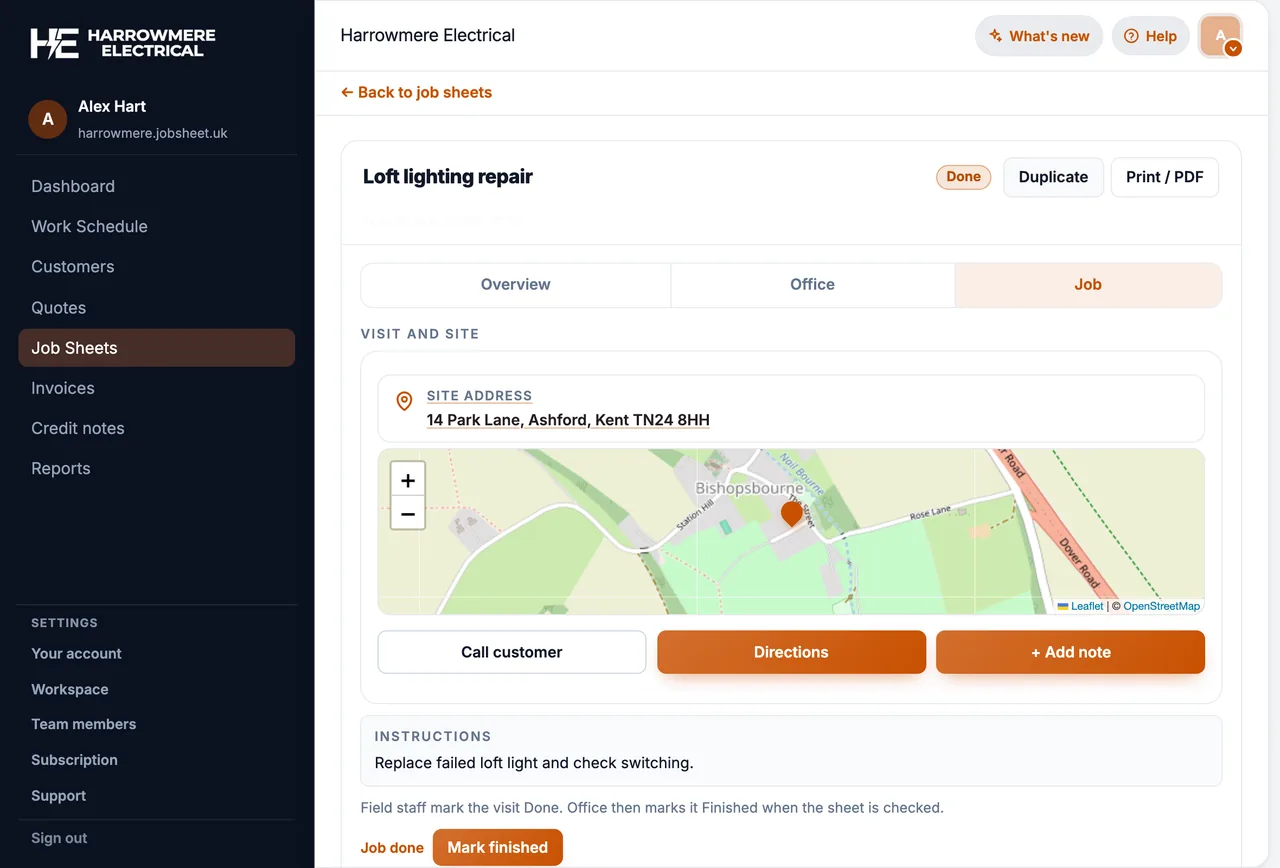
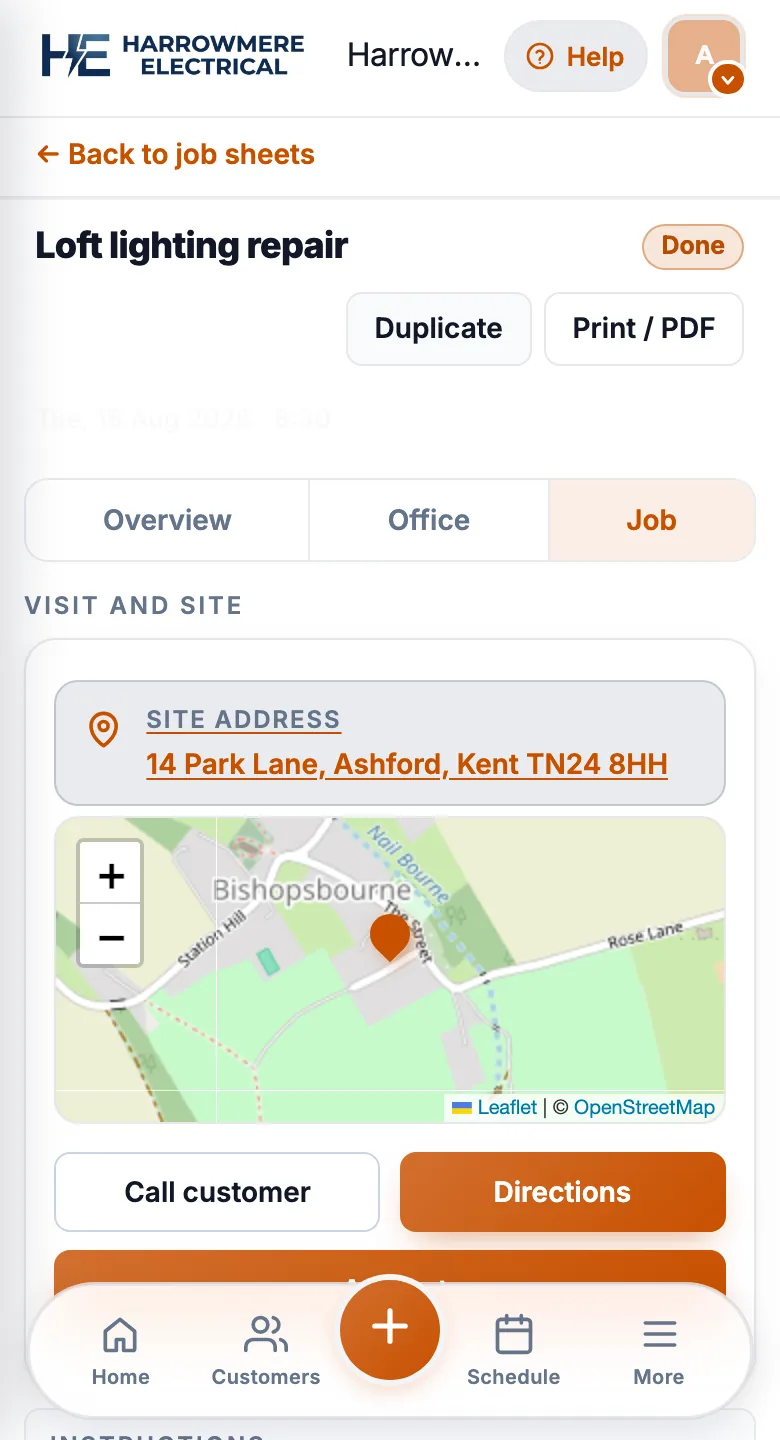
03 Sync
The office sees it straight away
When the engineer marks a job done, the office should see the update without anyone phoning in.
Native apps
Pros
- Familiar install flow from the store
- Can feel faster for heavy offline caches (where vendors ship offline)
- Push notifications when the vendor integrates them
Cons
- Separate iOS and Android releases to maintain
- Store reviews and device permissions vary
- Engineers may run an outdated build unless updates are forced
PWAs (home-screen web apps)
Pros
- One codebase for phones and tablets
- Install prompt on supported browsers
- No app store delay for urgent fixes
Cons
- Needs a modern browser and connectivity (for JobSheet today)
- Some iOS limitations vs Android for background tasks
- Engineers may forget to install unless onboarding covers it
What matters more than the label
- Can an engineer open today’s jobs in two taps?
- Can they add photos and notes without leaving the job?
- Does mark complete sync back to the office immediately?
- Will they use it when signal is weak? (If not, confirm offline claims.)
How JobSheet works
JobSheet runs in the browser. Install it to the home screen for quick access. Limited offline: after one online sign-in, the installed app lets you browse cached jobs and queue job notes until you reconnect. New customers, quotes, invoices, and photo uploads still need a connection.
Next steps
- Install JobSheet on your phone
- Mobile app & PWA feature
- JobSheet vs ServiceM8 (native vs PWA peer)
Questions
Common questions
What is a PWA?
A progressive web app: a web app you open in the browser and add to your home screen, where it opens like an app. Updates arrive instantly, without a store download.
Is a native app better than a PWA for field engineers?
Not automatically. Native apps have store installs and strong push notifications, but two release tracks. PWAs have one codebase and instant fixes, but need a modern browser. What matters more is whether engineers can reach today's jobs, add photos and mark work done quickly.
Does a PWA work offline?
Some do, within limits. After one online sign-in, the installed JobSheet app lets you browse cached jobs and queue job notes until you reconnect. New customers, quotes, invoices and photo uploads need a connection.
Is JobSheet on the App Store?
Not yet. The JobSheet iPhone app is in testing and due on the App Store soon, with push notifications and a today's-jobs widget. See the iPhone app.
How do I install JobSheet on my phone?
Open JobSheet in Safari on iPhone or Chrome on Android and add it to your home screen. See install JobSheet on your phone.