
UK trade explainer · Invoicing Ltd customers
Invoice Ltd customers with the right Companies House name
Finance teams pay the legal entity, not the nickname in your phone. Invoicing a Ltd company under the wrong name or address slows payment and creates rework. Here is a simple workflow using the Companies House register.
Updated November 2026
- Why registered details matter
- The workflow in 4 steps
- What it does not replace
What to look for
Invoice a Ltd customer in four steps
Shown in JobSheet. The step-by-step guide is in the how-to section.
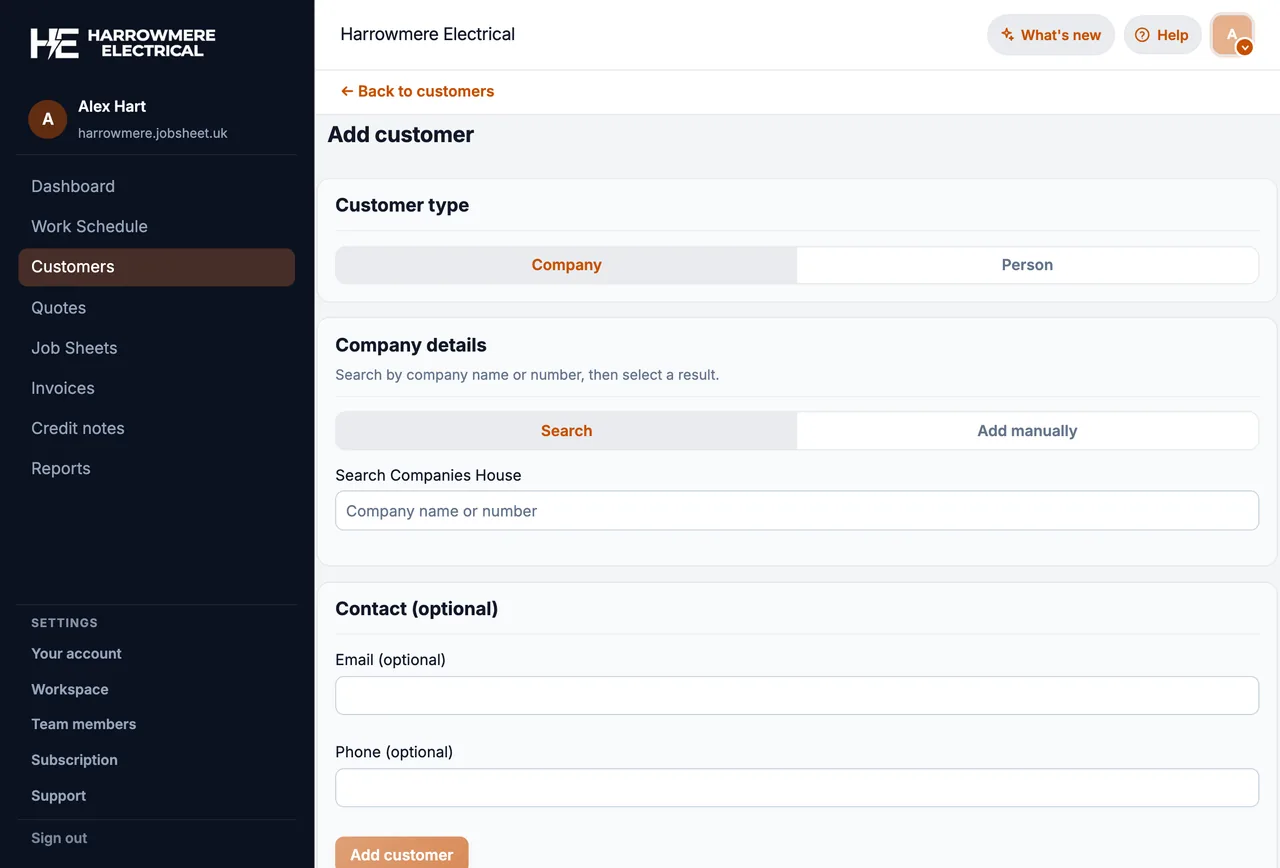
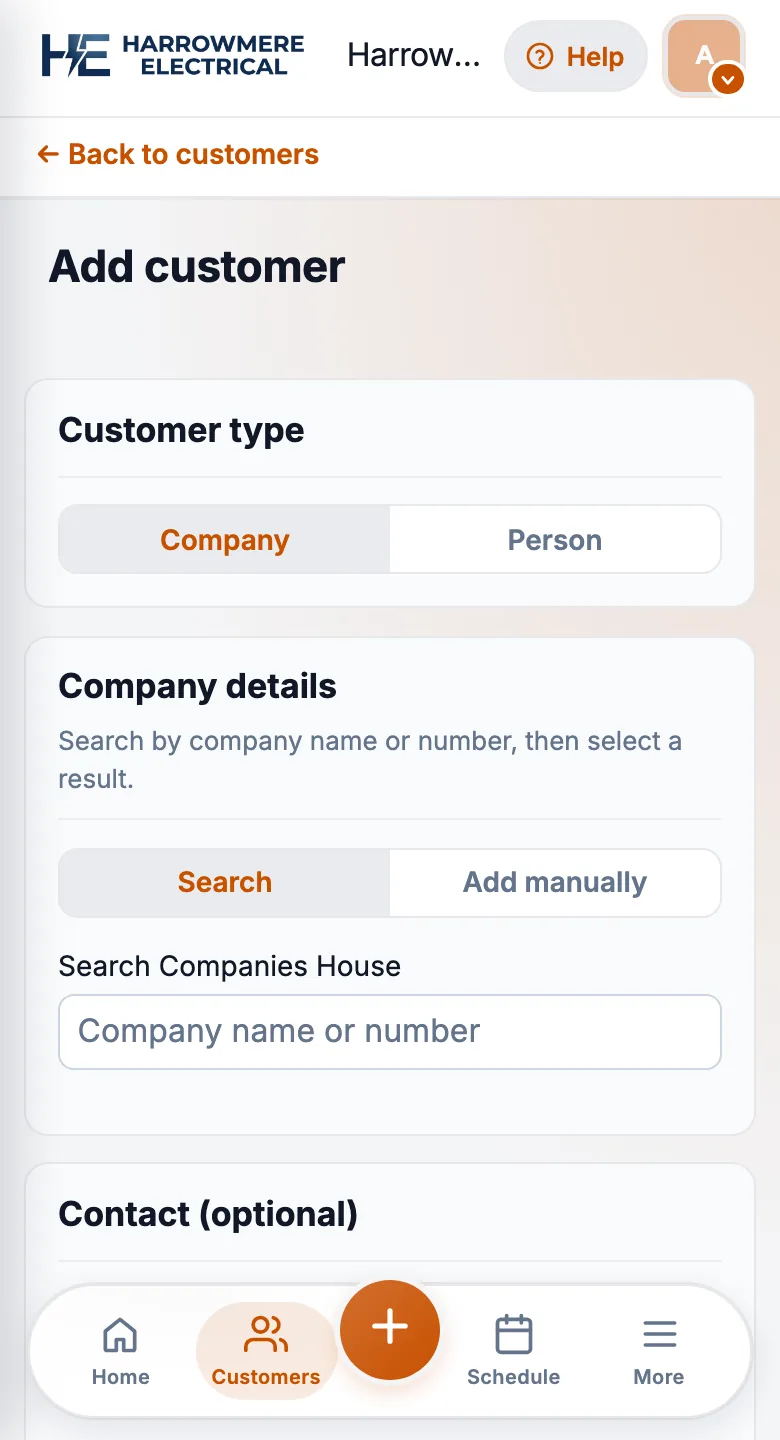
01 Add the customer
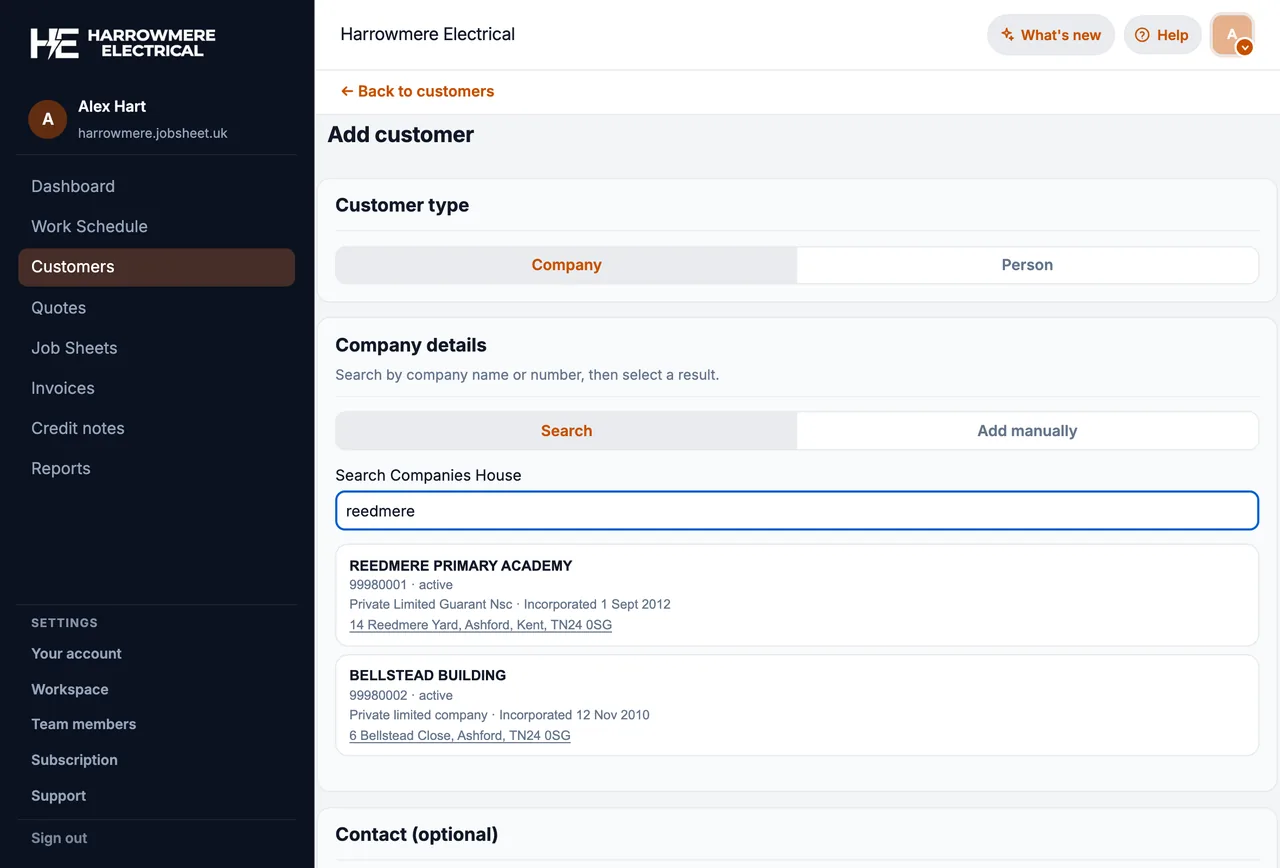
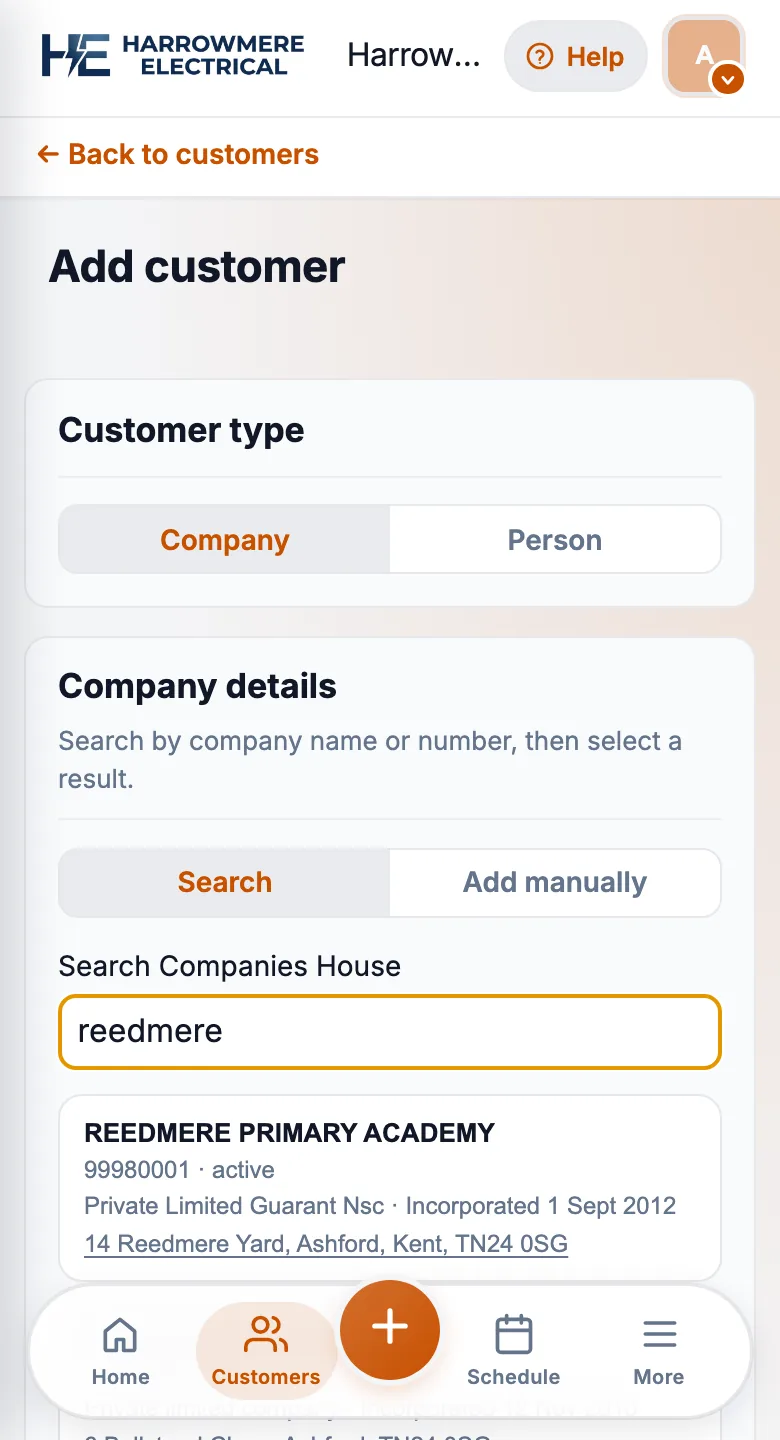
Search Companies House by name or number
Start a new company customer and search the UK register, rather than typing the name from memory.
02 Pick the company
Choose the right active company
Check the company number and status, because similar names are common.
03 Check the import
Registered name and office address go on the customer
Add a trading name if the customer uses one, and link the directors or site managers you deal with.
04 Invoice
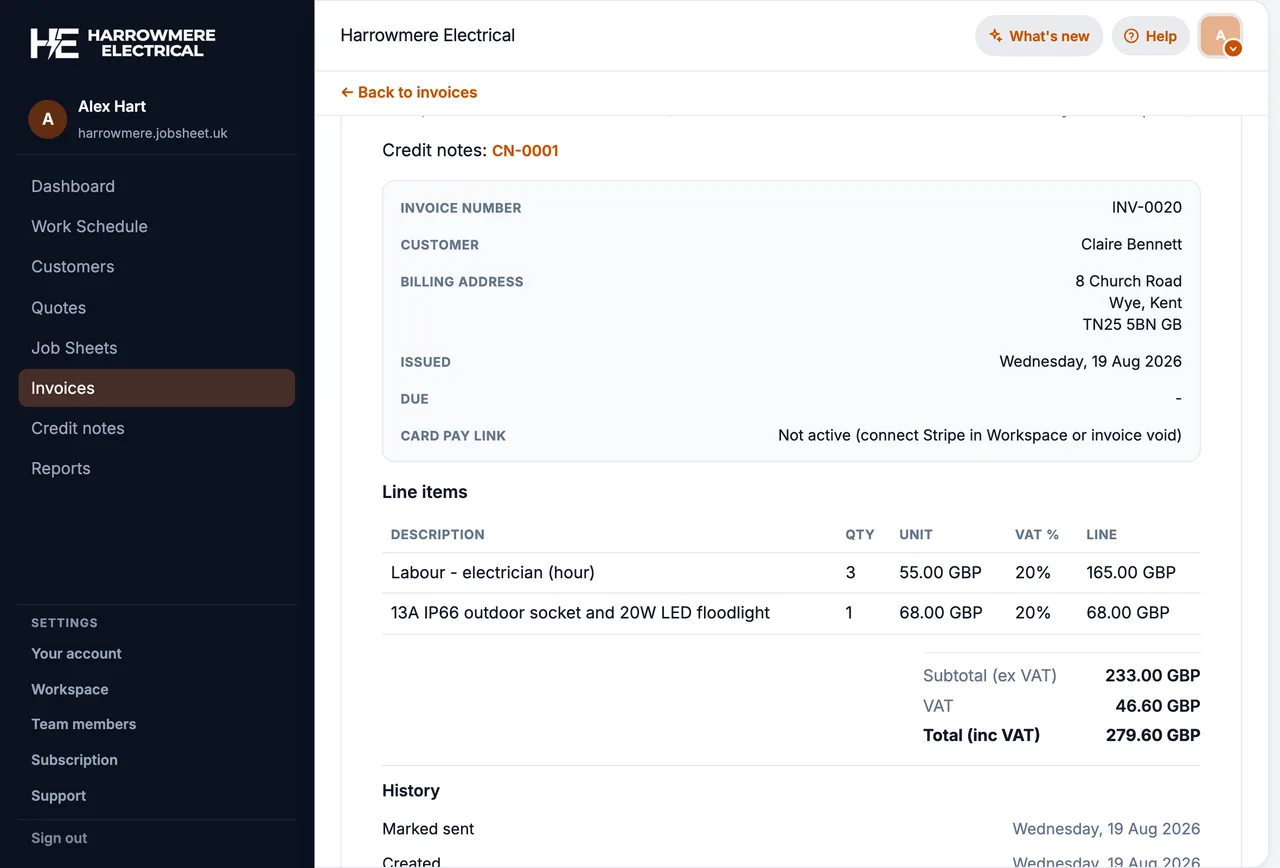
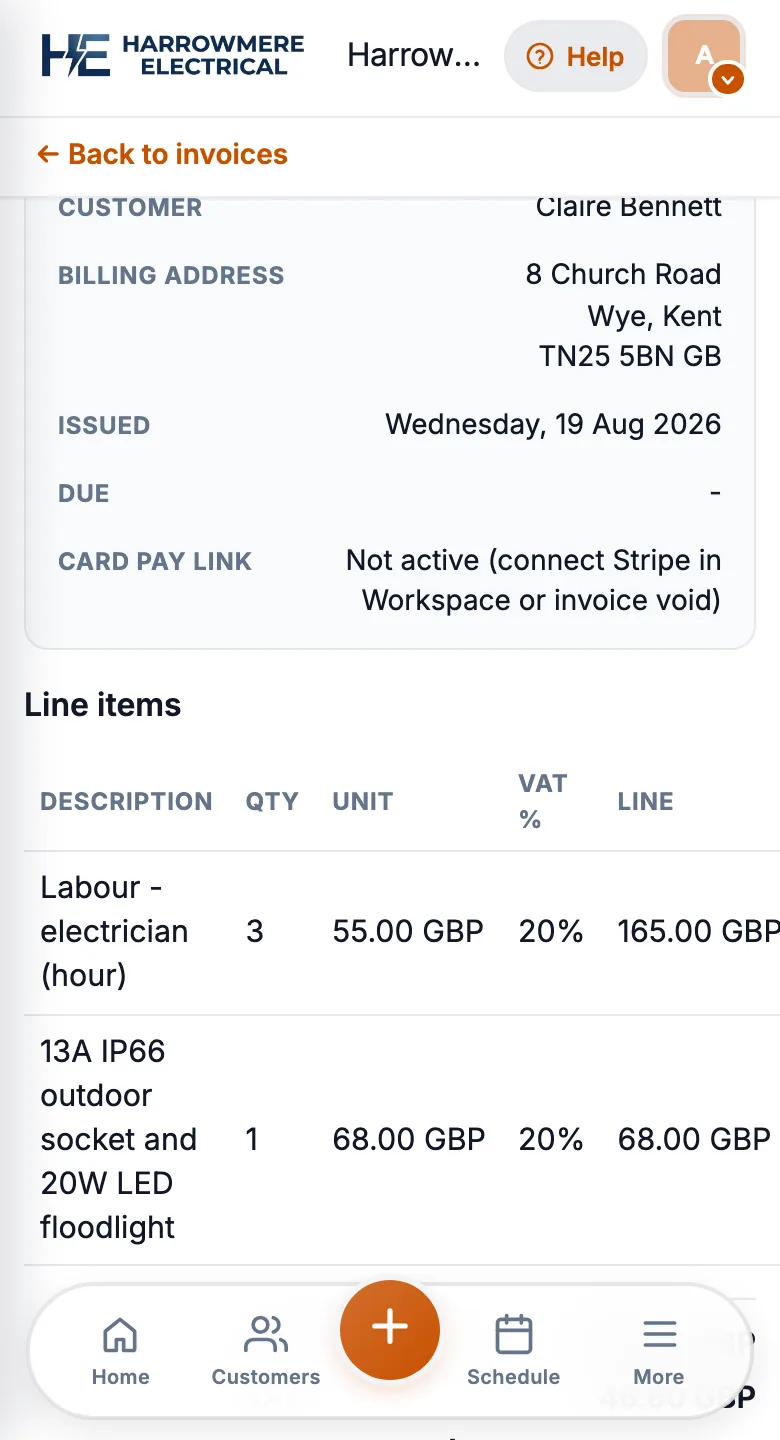
Quote and invoice the legal entity
Quotes and invoices now carry the registered details, so the finance team can match and pay them.
Why registered details matter
- Finance teams pay from the legal entity, not a nickname in your phone
- Registered office may differ from the site you work on
- Maintenance contracts and call-outs often run through a Ltd landlord or agent
A simple workflow in JobSheet
- Search by company name or number (UK register only)
- Pick the correct active company from results
- Import registered name and invoice address
- Add a trading name if they brand differently on site
- Link contacts (directors or site managers) as people on the customer
- Raise quotes and invoices against that customer with GBP line items
You can refresh the profile later from the customer record if their filing changes.
What JobSheet does not replace
- Your own KYC or credit checks
- VAT number validation beyond what you capture manually
- Automatic filing with Companies House
When to skip Companies House
- Homeowners and sole traders billed as individuals
- One-off domestic jobs where the invoice address is the site address
Next steps
Questions
Common questions
What name should I put on an invoice to a limited company?
The company's registered name as it appears on Companies House. You can show a trading name alongside it, but the registered name is what the customer's finance team pays.
Why does the registered name matter?
Invoices addressed to a nickname or the wrong entity often get queried or sent back, which slows payment. The registered name and address also make it clear which company owes you.
Can I import sole traders from Companies House?
No. Sole traders are not on the Companies House register. Add them, and homeowners, as ordinary customers.
Does JobSheet check VAT numbers or credit ratings?
No. JobSheet imports the registered name and office address. VAT numbers are captured by hand, and it does not replace your own credit or identity checks.
Can I update the details if the company moves?
Yes. You can refresh the profile from the customer record. See import a company from Companies House.